
Resume maker - CV builder Download for Android & iOS
Create professional CV easily
⭐ 4.5 • 50K+


About this app
Resume Maker - CV Builder is a simple and efficient app that helps users create professional resumes within minutes. It offers easy-to-use tools for entering personal details, selecting templates, and generating modern CVs instantly. Suitable for both freshers and experienced professionals, the app supports offline usage and provides ready-made templates and cover letters for quick resume creation.
Screenshots
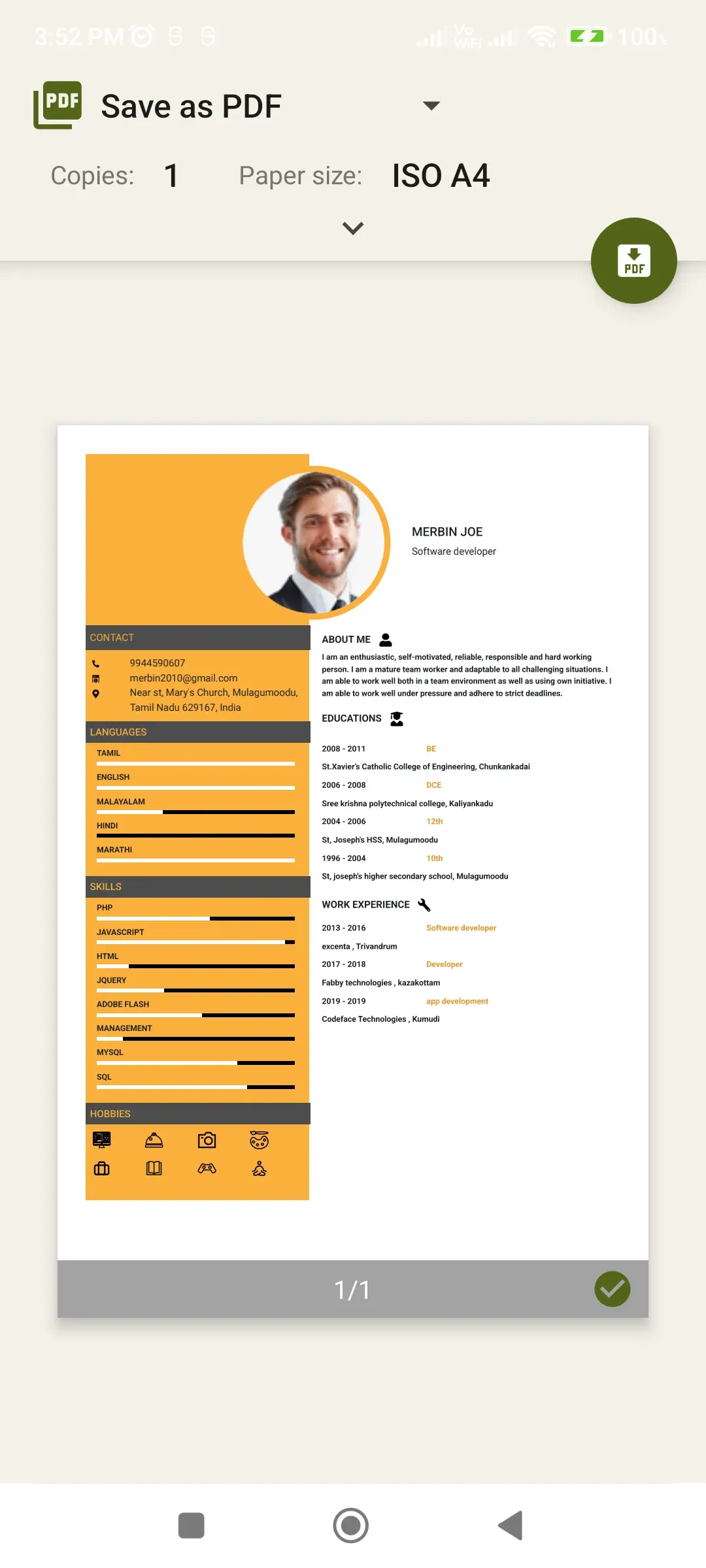
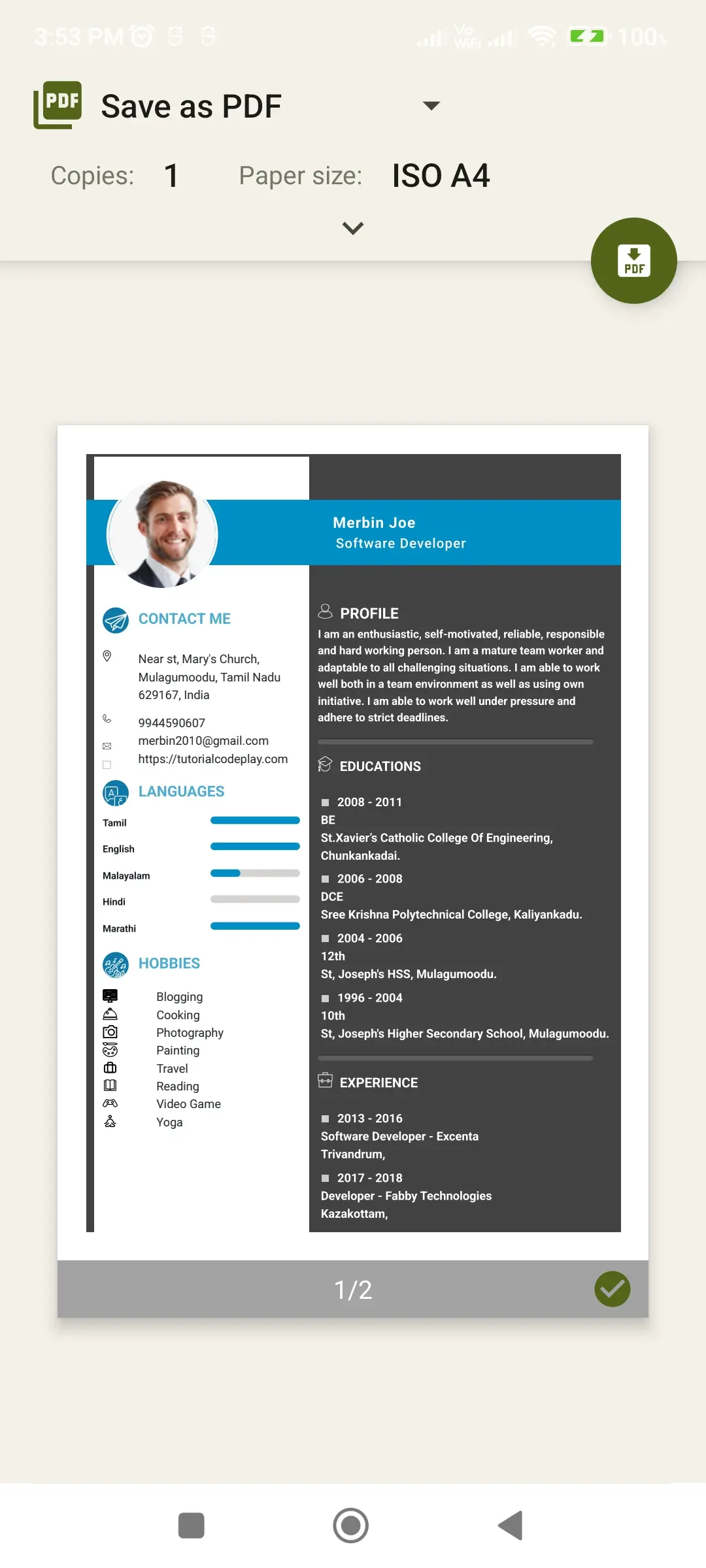
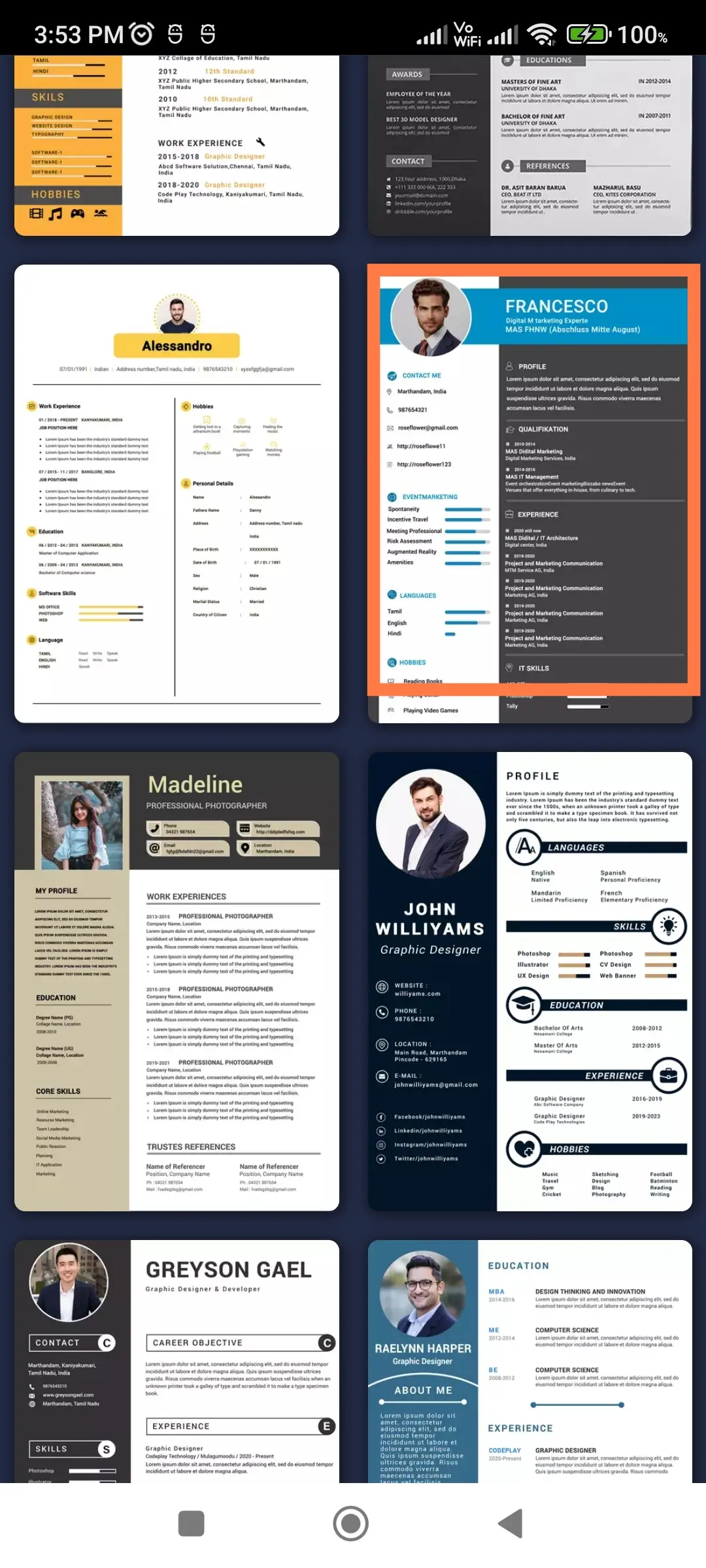
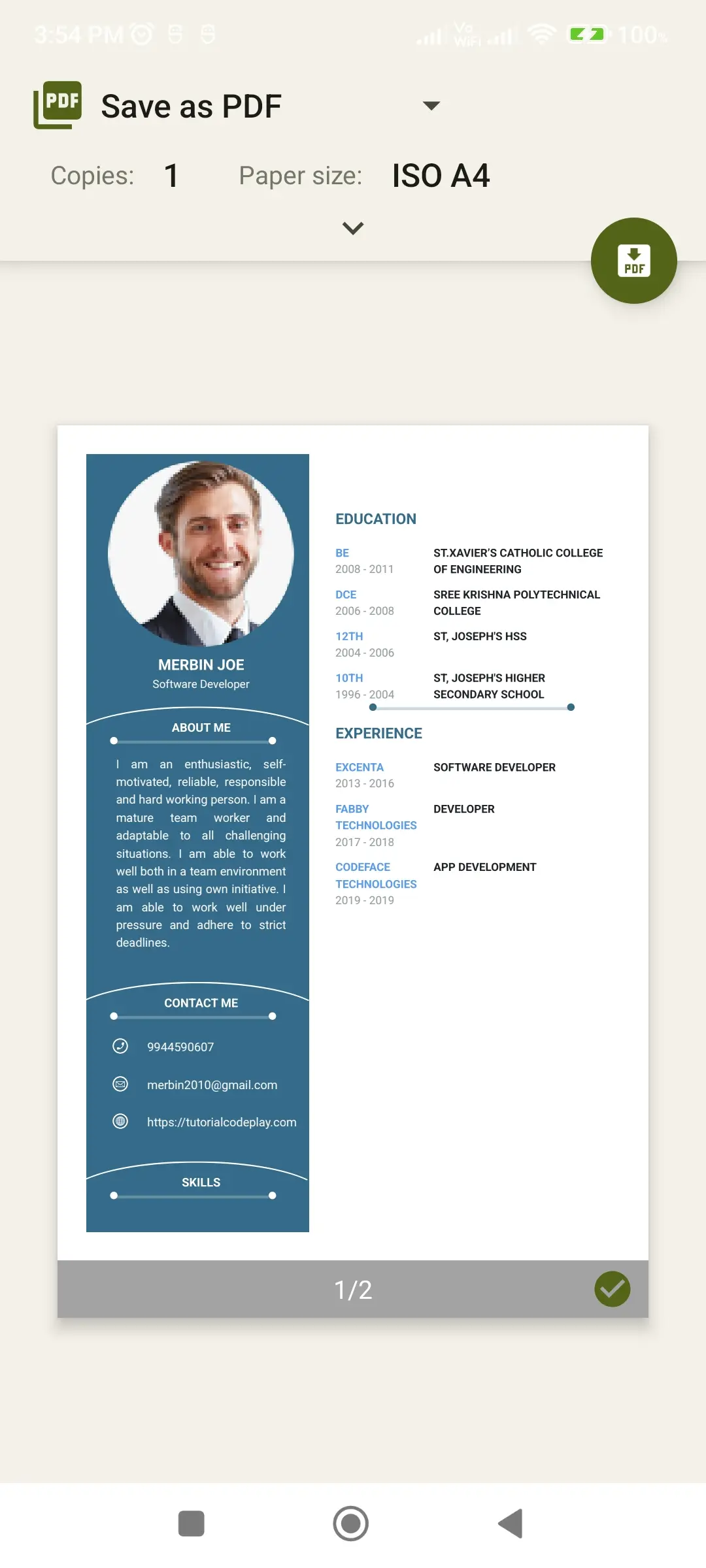
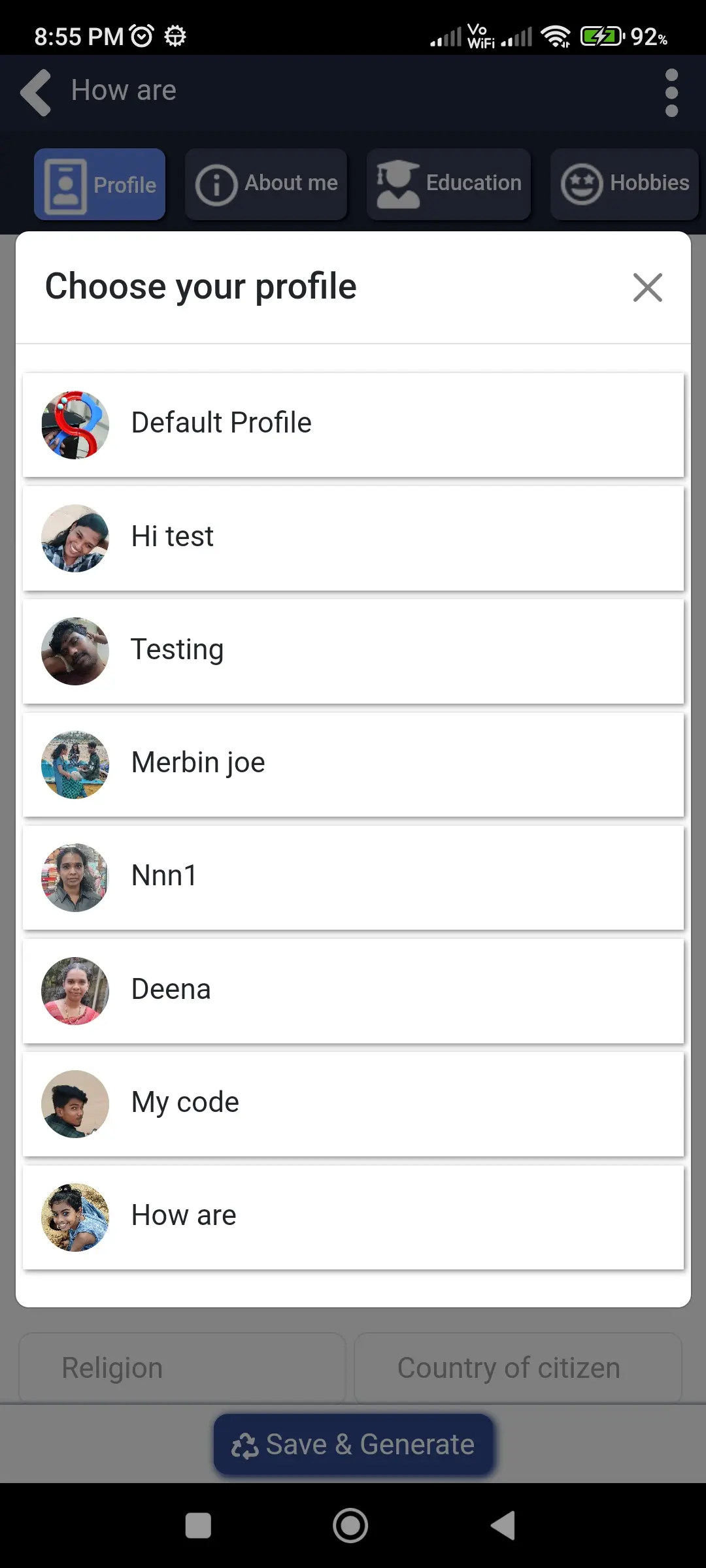
Check out Resume maker - CV builder app screenshots below to explore features and user interface.
More Details
This application is designed as a complete and user-friendly resume builder that simplifies every step of the resume creation process. It combines powerful customization options, structured sections, professional templates, and easy sharing features to deliver a smooth and efficient experience. Whether you are a student preparing your first resume or a professional updating your profile, this app provides everything needed to create a high-quality, professional resume with confidence and ease.
🌙 Theme Support – Smart and Comfortable Viewing
The application provides both Dark Mode and Light Mode to ensure a comfortable and flexible user experience in all environments. The Light Mode offers a clean, bright, and clear interface that is ideal for daytime usage, making content easy to read and visually organized. On the other hand, the Dark Mode is carefully designed with softer tones to reduce brightness and minimize eye strain, especially during night-time or long usage sessions. This intelligent theme support not only improves visual comfort but also enhances focus and usability. Users can switch between themes at any time based on their preference, allowing them to customize their experience according to their mood, lighting conditions, or working environment.
🌍 Multi-Language Support – Accessible for Everyone
To ensure that the application is accessible to a global audience, it includes support for multiple languages such as English, Arabic, French, Hindi, Indonesian, Portuguese (Portugal), Spanish, and Tamil. This feature allows users to interact with the app in their preferred language, making the resume-building process more natural and comfortable. By removing language barriers, the app enables users from different regions and backgrounds to create professional resumes with ease. This also improves user confidence, as they can clearly understand each section and fill in details without confusion.
🎨 Templates – Designed for Professional Impact
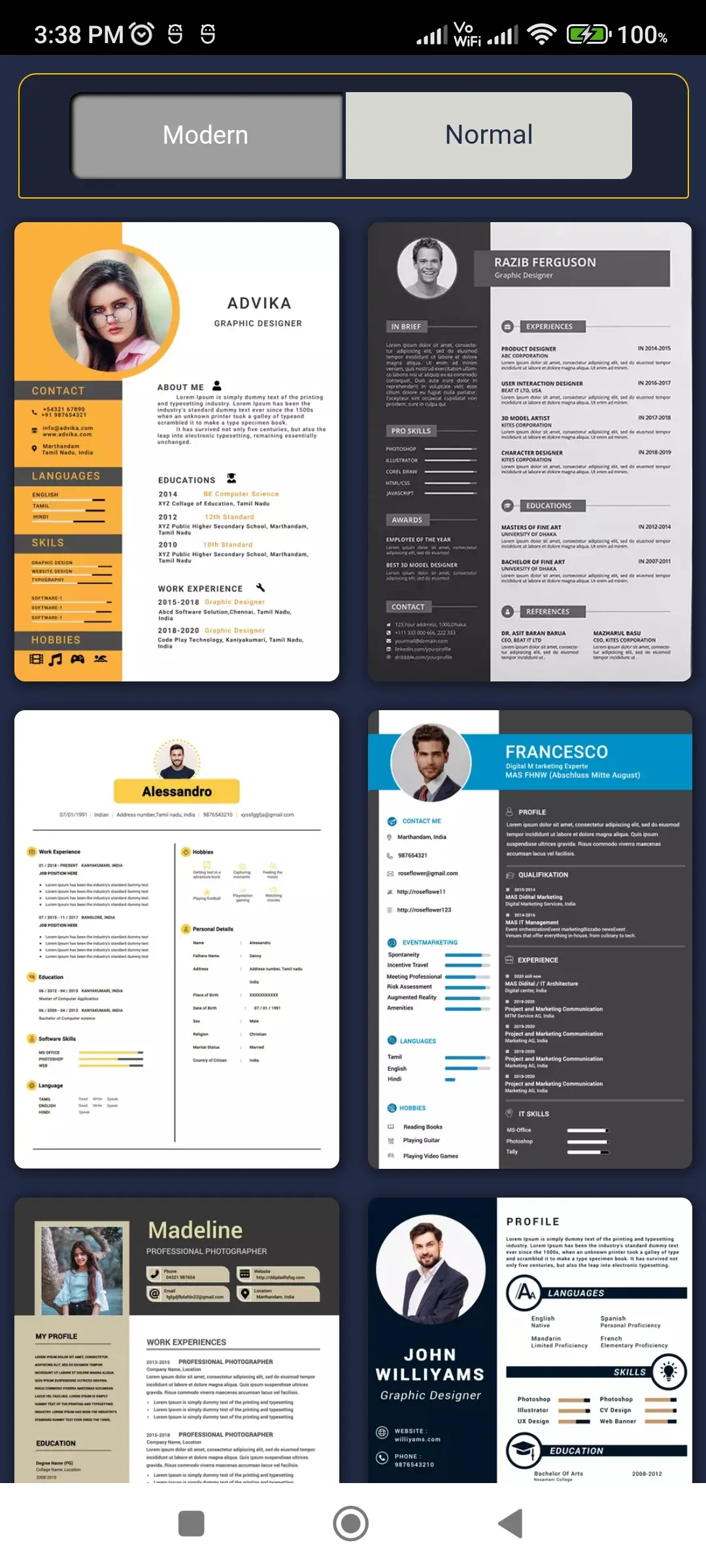
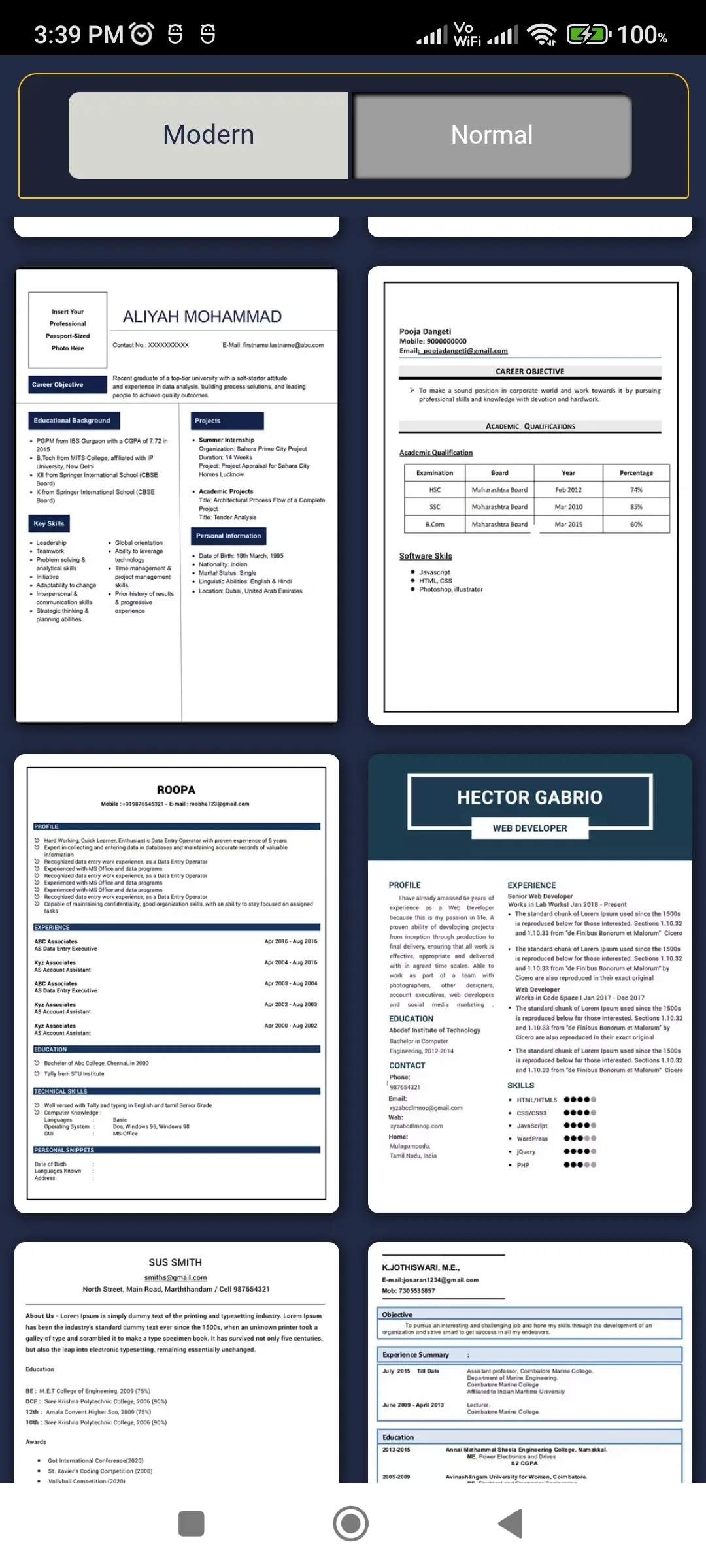
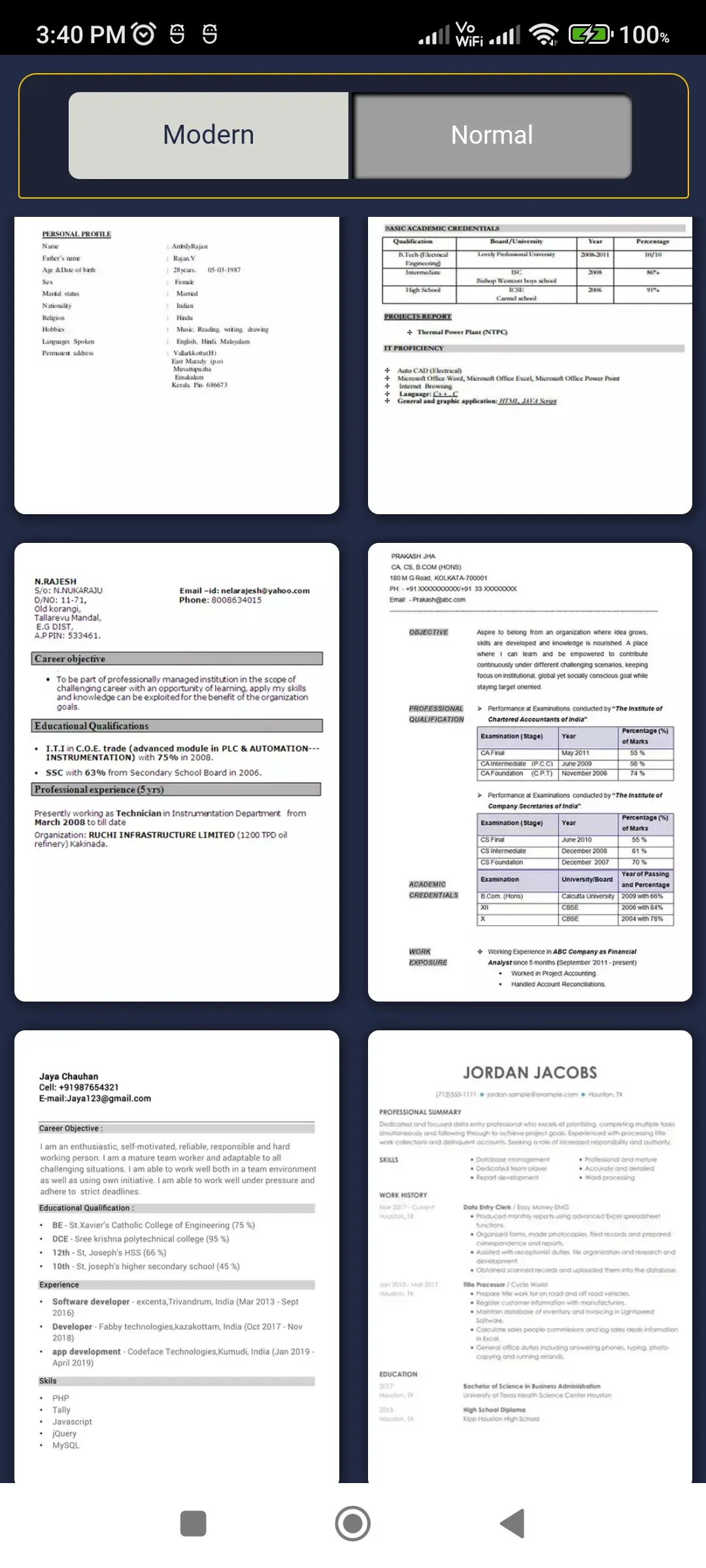
The application offers a variety of professionally designed resume templates that cater to different styles and career needs. Users can choose modern templates that provide a sleek, visually attractive, and contemporary look, which is ideal for creative roles or modern industries. Alternatively, users can select normal templates that focus on simplicity, clarity, and a traditional layout suitable for formal job applications. Each template is carefully structured to ensure proper alignment, readability, and presentation, helping users create resumes that stand out while maintaining professionalism. These templates reduce the effort required to design a resume from scratch and ensure that the final output looks polished and impressive.
⚙️ Complete Resume Options – Build Every Detail
The app includes a comprehensive set of sections that allow users to build a complete and detailed resume without missing any important information. Each section is designed to guide users step-by-step, ensuring that their resume is well-structured, informative, and professional. This makes the process simple even for users who are creating a resume for the first time.
👤 Profile – Strong Personal Identity
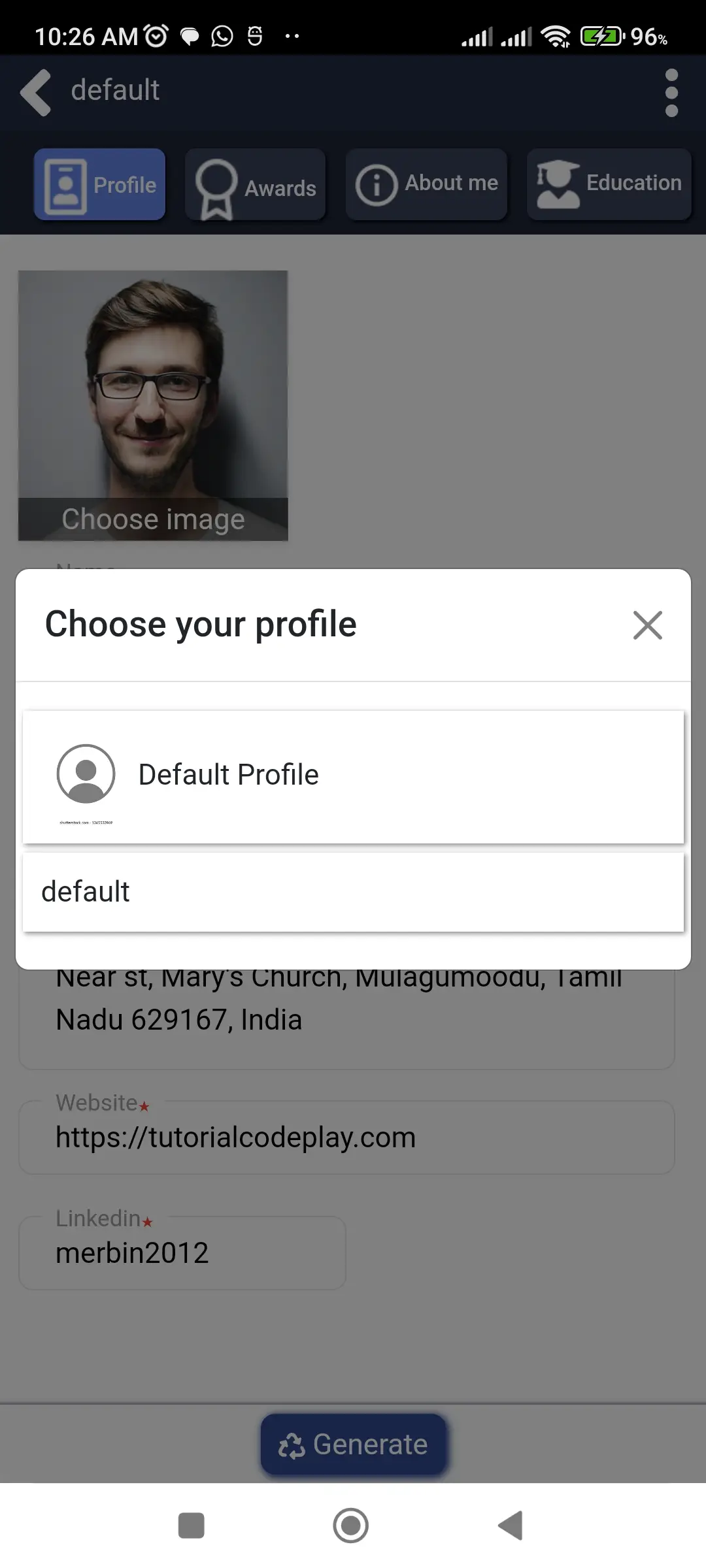
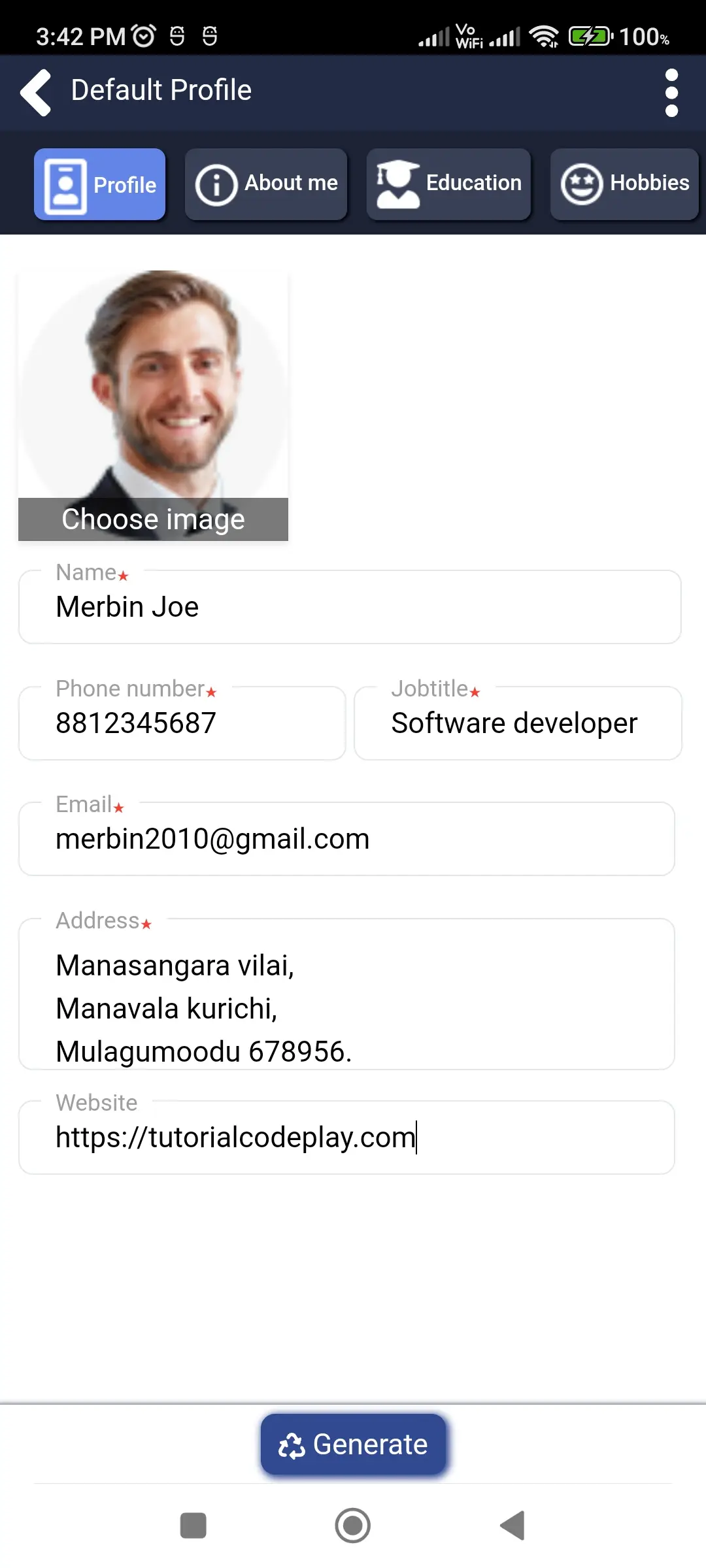
The profile section allows users to create a complete personal identity by entering detailed information such as profile image, phone number, father’s name, job title, gender, email, place of birth, date of birth, address, marital status, religion, country, and website. By organizing all essential personal details in one place, the app ensures that the resume starts with a clear and professional introduction. This section plays a key role in creating a strong first impression.
🏆 Awards – Highlight Your Achievements
The awards section enables users to showcase their achievements and recognitions. Users can add multiple awards with details such as title, issuing organization, date, and description. This helps highlight accomplishments and demonstrates the user’s capabilities and dedication, making the resume more impactful.
📄 Declaration – Professional Closing Statement
The declaration section allows users to include a formal statement at the end of their resume. The app provides predefined declaration samples, which can be easily selected and added. This saves time and ensures that the resume maintains a professional tone.
🙋 About Me – Express Yourself Clearly
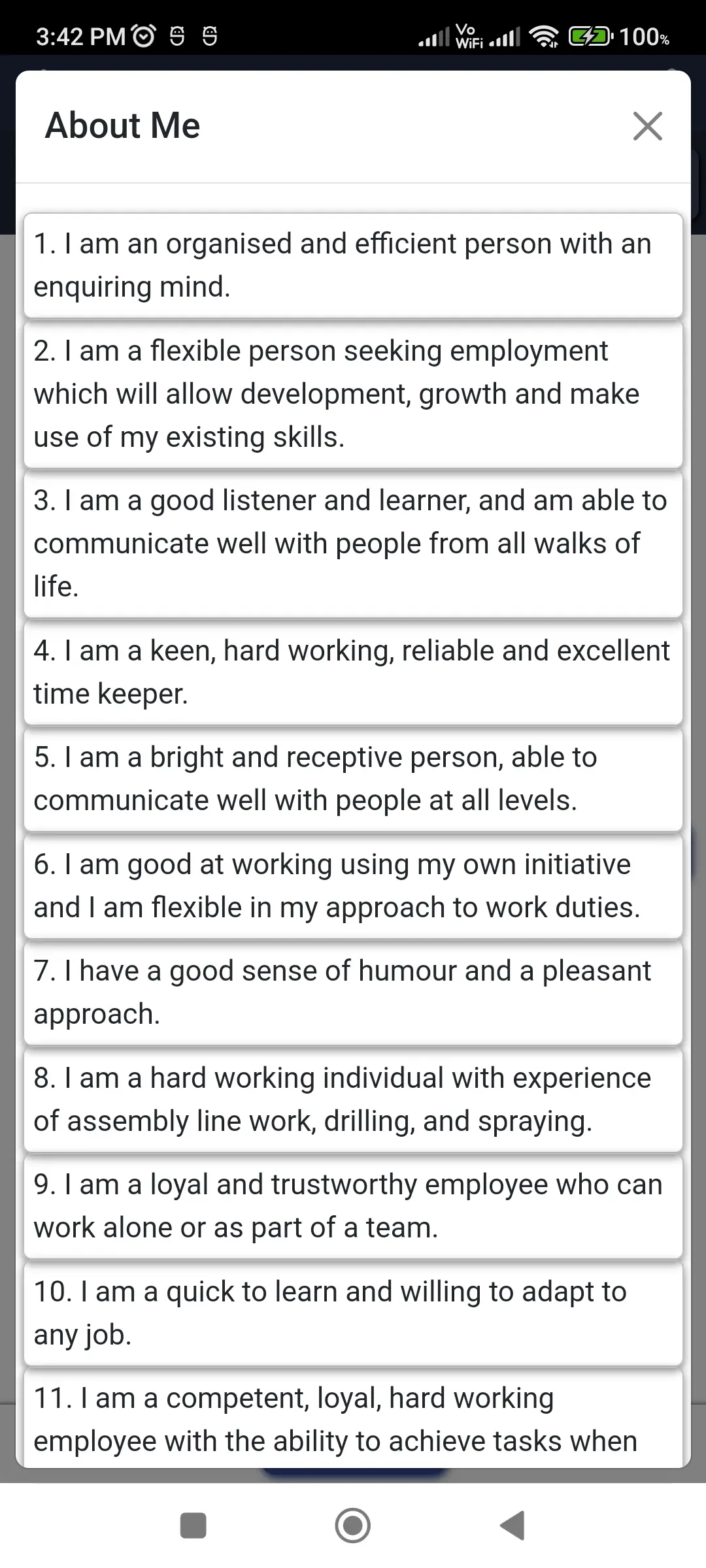
The “About Me” section helps users describe their personality, strengths, and career objectives in a clear and concise manner. With predefined samples available, users can quickly create a professional summary and customize it to match their goals. This section helps employers understand the candidate beyond just qualifications.
🎓 Education – Structured Academic Details
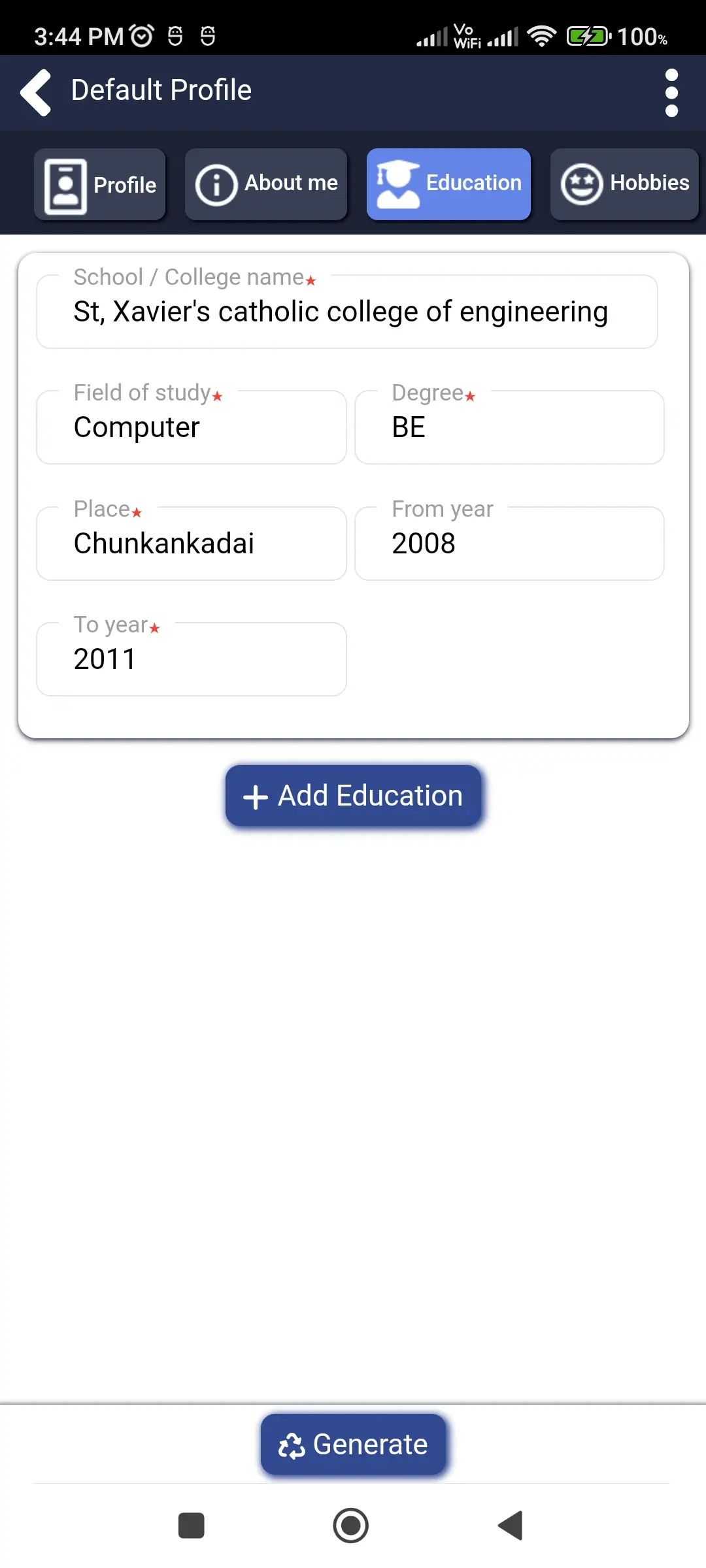
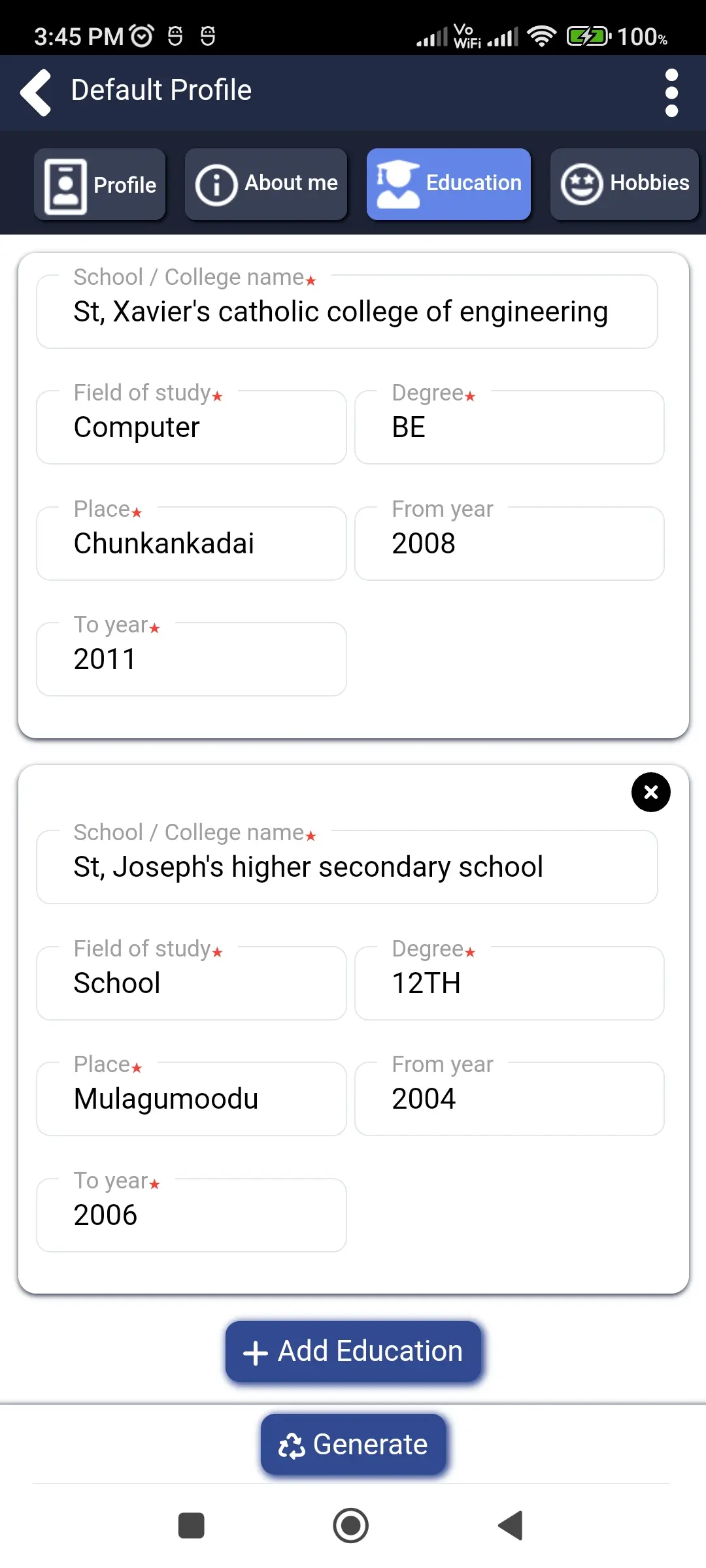
The education section allows users to enter multiple academic qualifications with complete details such as institution name, degree, field of study, location, duration, description, and marks percentage. This ensures that educational information is presented in a clear, organized, and professional format.
🎯 Hobbies – Add a Personal Touch
The hobbies section allows users to showcase their interests and activities outside of work or study. By adding hobbies, users can present a more well-rounded profile and give employers insight into their personality.
🌐 Language – Showcase Communication Skills
Users can add multiple languages along with proficiency levels such as reading, writing, and speaking. This section is especially valuable for roles that require communication skills and helps strengthen the overall profile.
💻 Projects – Demonstrate Practical Experience
The projects section allows users to highlight their real-world experience by adding project details such as title, duration, role, team size, and description. This helps demonstrate practical skills and the ability to apply knowledge effectively.
📞 Reference – Build Credibility
The reference section allows users to include professional contacts who can vouch for their skills and experience. Adding references increases trust and credibility in the resume.
🧠 Skills – Highlight Strengths Clearly
The skills section enables users to list their abilities along with proficiency percentages. This provides a clear overview of strengths and helps recruiters quickly evaluate the candidate’s capabilities.
💼 Work Experience – Professional Journey
The work experience section allows users to add detailed job history, including company name, role, location, duration, and responsibilities. This helps present professional experience in a clear and structured manner, making it easier for employers to understand career progression.
✍️ Signature – Personal and Professional Touch
The app includes a built-in signature feature that allows users to draw and attach their signature directly to the resume. This adds authenticity and gives the resume a professional finish.
📩 Cover Letter – Complete Application Support
The application also supports creating cover letters along with resumes. Users can add recipient details, date, and content, and optionally include their signature and profile details. This makes the app a complete solution for job applications.
👥 Multiple Profile Support – Flexible Usage
Users can create and manage multiple profiles within the app. This is useful for applying to different job roles or creating resumes for multiple individuals, making the app versatile and practical.
📄 Final Resume Generation – Full Control
Before generating the final resume, users can select which sections to include using simple options. This ensures that each resume can be customized according to specific job requirements.
👀 Preview – Check Before Finalizing
The preview feature allows users to review their resume before downloading. This helps ensure accuracy, proper formatting, and overall presentation.
✏️ Edit – Update Anytime
Users can easily edit their details at any time. This flexibility ensures that resumes can be updated whenever needed without recreating them.
📂 Open With – Easy Access
Generated resumes can be opened using any installed application on the device, providing quick and convenient access.
⬇️ Download – Save Instantly
Users can download their resumes in PDF format directly to their device. The files are stored safely and can be accessed anytime.
🔗 Share – Quick and Simple
The app allows users to share their resumes instantly through email, messaging apps, and other platforms, making job applications faster and easier.
Download Resume maker - CV builder App
Resume maker - CV builder is a popular lifestyle app trusted by thousands of users. With its simple interface and fast performance, it makes your tasks easier and more efficient.
Related Apps

Samayal kurippugal in tamil
Delicious Tamil cooking recipes
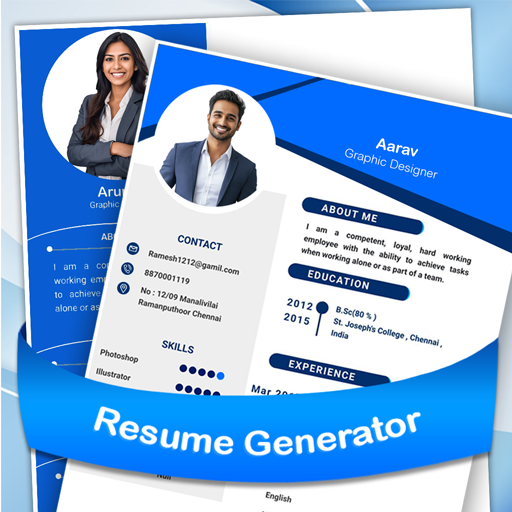
Resume generator & CV builder
Build professional resumes easily

Baby names - modern kids name
Find unique baby names worldwide
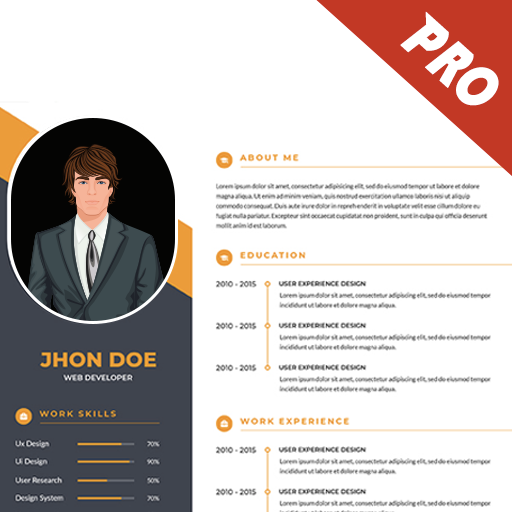
Samsung - Resume Generator 1 Pro
Create professional resumes easily

Marriage biodata profile maker
Create marriage biodata easily
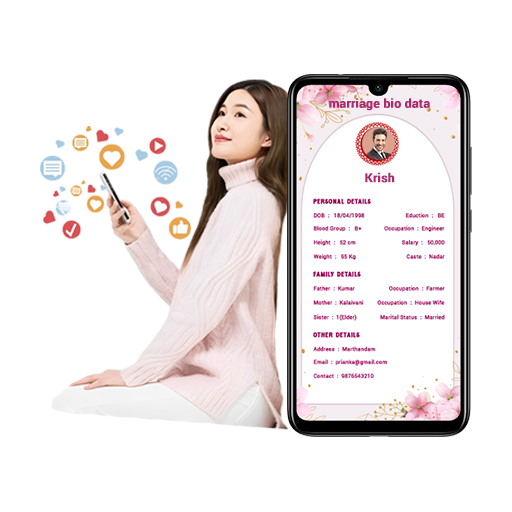
Perfect Match BioData Maker
Create marriage biodata profiles easily
🔥 Popular Apps

Internet Speed Test
Test internet speed easily

Learn Computer Course & image
Learn computer basics easily

HTML Editor
Write and edit HTML code easily

HTML Code Play
Learn web development easily
Computer shortcut keys learn
Master computer shortcut keys

Learn React Native Tutorial
Learn React Native step by step






