Excel formulas and tips Download for Android
Master Excel formulas and tips
⭐ 4.9 • 500K+

About this app
Learn Excel Formulas & Tips is a comprehensive offline learning app designed to help users master Microsoft Excel formulas, functions, and productivity tips. It covers everything from basic formulas to advanced concepts, making it ideal for students, professionals, and job seekers preparing for interviews. The app provides clear explanations, examples, and practical use cases to improve spreadsheet skills and efficiency.
Screenshots
Check out Excel formulas and tips app screenshots below to explore features and user interface.



More Details
This application is designed as a complete, powerful, and easy-to-use learning platform for mastering formulas, shortcut keys, and data handling concepts used in spreadsheet tools. It provides a highly structured and practical approach to understanding functions that are commonly used in tools like Excel and similar applications.
The app is suitable for all types of users, including beginners who want to learn step by step, students preparing for exams, and professionals who want to improve efficiency and productivity in their daily tasks. With its clean interface, well-organized categories, and easy navigation, the application simplifies complex topics and makes learning more approachable. It combines theory, real-world examples, quizzes, and interview preparation into a single platform, eliminating the need to switch between multiple resources. This ensures that users can build strong knowledge, improve practical skills, and confidently apply what they learn in real scenarios.
🎨 Theme Support
The application includes both Dark Mode and Light Mode to provide a comfortable and flexible user experience in all environments. The Light Mode offers a bright, clean, and well-structured interface that is ideal for daytime usage, ensuring that all content is clearly visible and easy to read. It helps users stay focused while learning and working with formulas and data. The Dark Mode is carefully designed with softer tones and reduced brightness to minimize eye strain, especially during night-time or extended usage sessions. This allows users to work for longer durations without discomfort. Users can easily switch between themes based on their preference or surrounding lighting conditions, making the app highly adaptable and user-friendly.
🌍 Multi Language Support
To make the application accessible to a global audience, it supports multiple languages including English, Arabic, French, Hindi, Indonesian, Portuguese, Spanish, and Tamil. This ensures that users from different regions can interact with the app in their preferred language, making the learning process more comfortable and effective. This feature is especially helpful for beginners, as it allows them to understand complex concepts in their native language. By removing language barriers, the application becomes more inclusive and ensures that users can learn without confusion, improving both confidence and usability.
📚 Formula Section
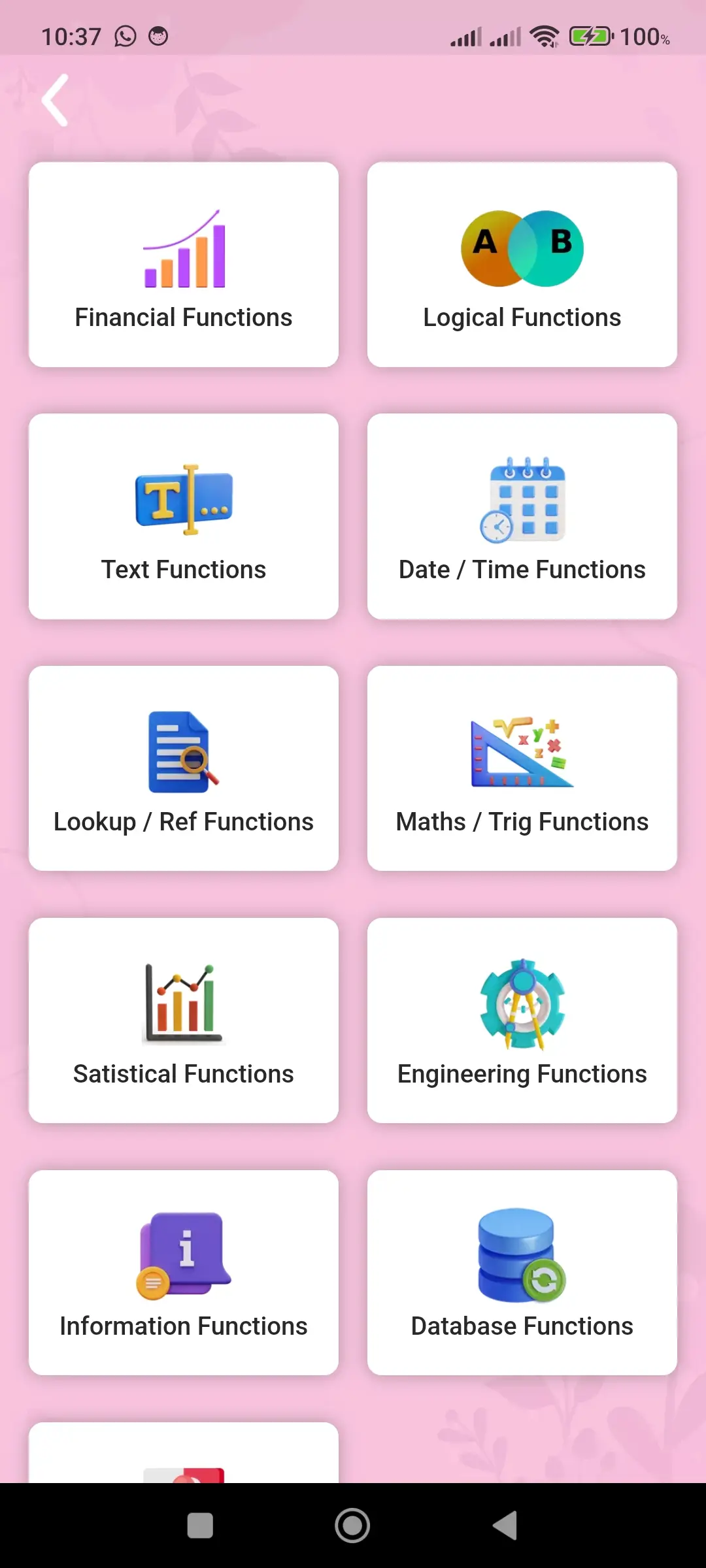
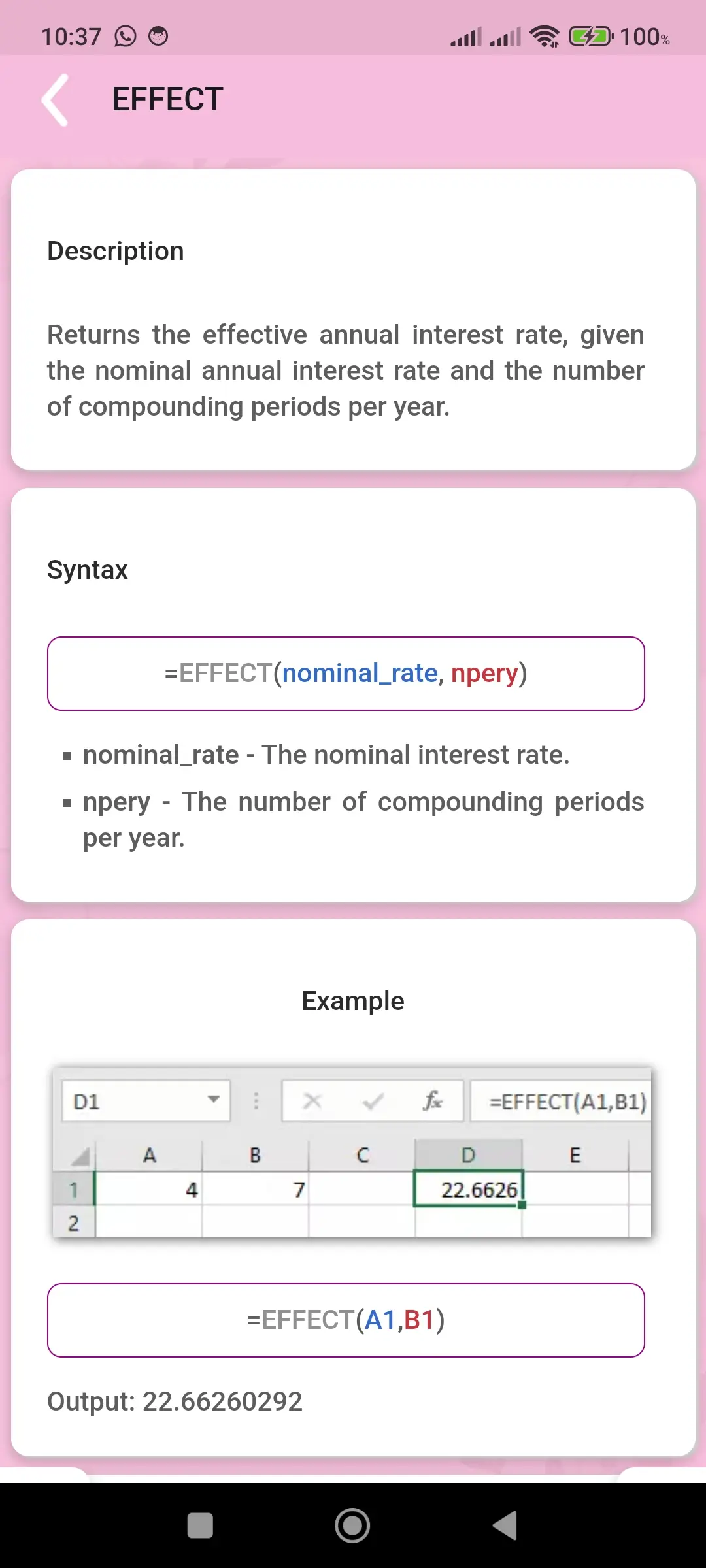
The formula section is the core of the application and provides a wide range of categorized functions that are essential for working with spreadsheets. Each function is explained in a simple, clear, and easy-to-understand manner, ensuring that users can learn without confusion. The content is designed to focus on real-world usage so that users understand not only the syntax but also where and how to apply each function effectively. By organizing formulas into categories, the app helps users learn step by step and build a strong foundation. This section is highly useful for students, office professionals, and anyone working with data, as it improves both knowledge and practical application skills.
💰 Financial Functions
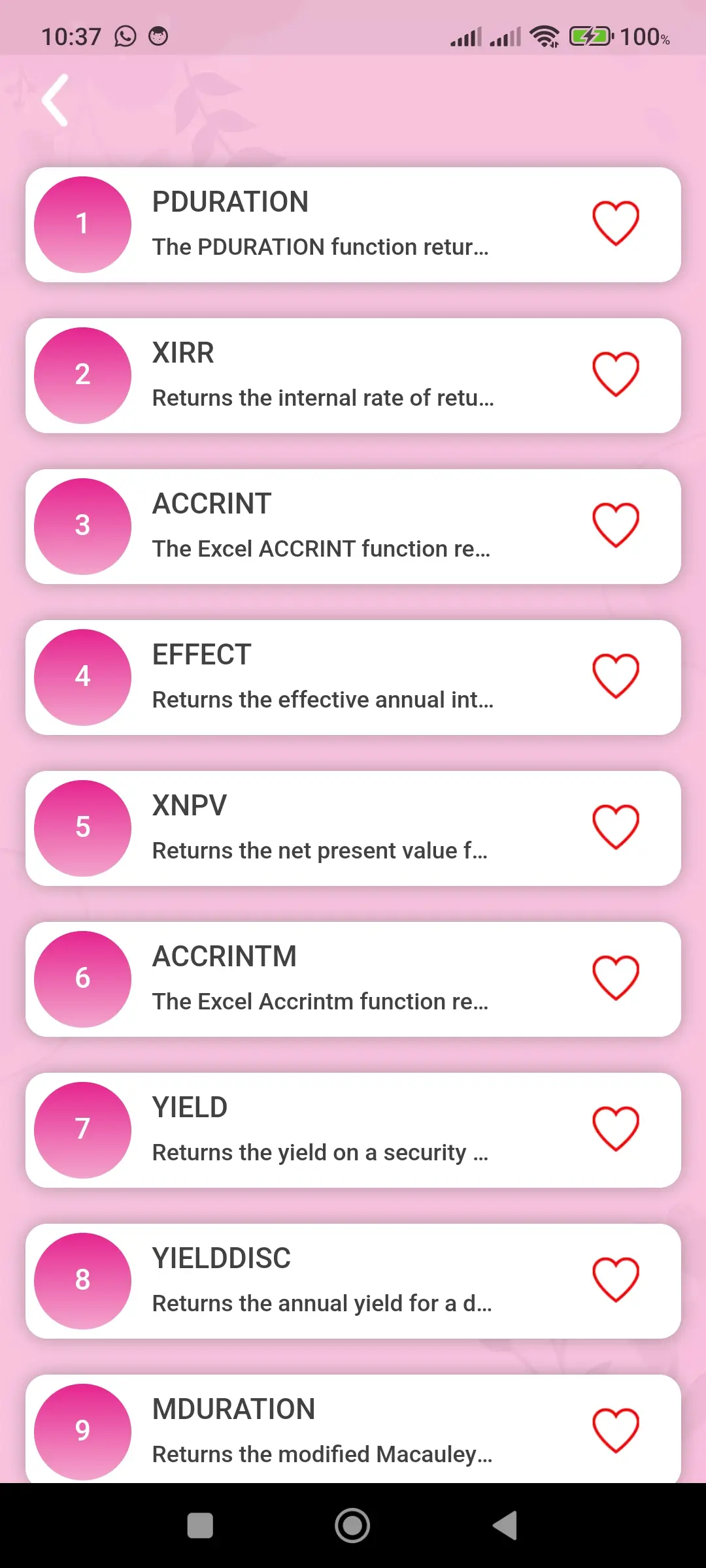
The financial functions section helps users perform calculations related to financial activities such as loan payments, interest rates, investments, and budgeting. These functions are essential for handling financial data accurately and making informed decisions. The app explains these functions with clarity and practical examples, allowing users to understand how they work in real scenarios. This makes it easier for users to apply financial calculations in their daily work or personal planning.
🔍 Logical Functions
Logical functions are used to perform condition-based operations within spreadsheets. They allow users to test conditions and return results based on true or false values. These functions are widely used for decision-making and automation. The application explains logical functions in a simple way, helping users understand how to apply conditions effectively. This improves efficiency by reducing manual work and enabling smart data processing.
🔤 Text Functions
Text functions are used to manage, modify, and organize text data within spreadsheets. These functions help users combine text, split content, format strings, and clean unwanted characters. This section is especially useful for users who work with large datasets containing text information. By mastering these functions, users can maintain data consistency, improve readability, and save time while handling text-based data.
📅 Date and Time Functions
Date and time functions help users perform calculations related to dates, durations, and schedules. These functions are essential for tracking time, managing deadlines, and automating date-based operations. The app provides clear explanations and practical examples, helping users understand how to use these functions effectively in real-life situations such as project planning, attendance tracking, and reporting.
🔎 Lookup and Reference Functions
Lookup and reference functions are among the most powerful tools in spreadsheets. They allow users to search for specific data within tables and retrieve matching results quickly. These functions are especially useful when working with large datasets. The application explains these advanced concepts in a simple way, making it easier for users to understand and apply them confidently in real-world scenarios.
➗ Maths and Trigonometry Functions
Mathematical and trigonometric functions help users perform calculations quickly and accurately. These include basic arithmetic operations as well as advanced calculations used in various fields. The app presents these functions in an easy-to-understand format, allowing users to solve numerical problems efficiently and improve their calculation skills.
📈 Statistical Functions
Statistical functions are used to analyze data and identify patterns. They help users calculate averages, totals, maximum and minimum values, and other important metrics. This section is particularly useful for data analysis, reporting, and decision-making. It helps users understand trends and make better data-driven decisions.
⚙️ Engineering Functions
Engineering functions are designed for technical and scientific calculations. These functions are useful for users who work with complex data and require precise results. The app explains these functions clearly, making them easier to understand and apply even for users who are new to advanced calculations.
ℹ️ Information Functions
Information functions help users check the type, format, and status of data in a cell. These functions are useful for validating data and ensuring accuracy in calculations. This improves data reliability and helps users avoid errors while working with large datasets.
🗂️ Database Functions
Database functions are used to analyze structured data based on specific conditions. They allow users to perform calculations on filtered data and manage large datasets efficiently. This section helps users understand how to handle complex data operations and improves overall data management skills.
🔄 Compatibility Functions
Compatibility functions ensure that formulas created in older versions continue to work in newer versions of spreadsheet tools. This helps maintain consistency and avoids errors when working across different versions. This feature is especially useful for professionals who handle files from multiple sources.
⌨️ Shortcut Keys
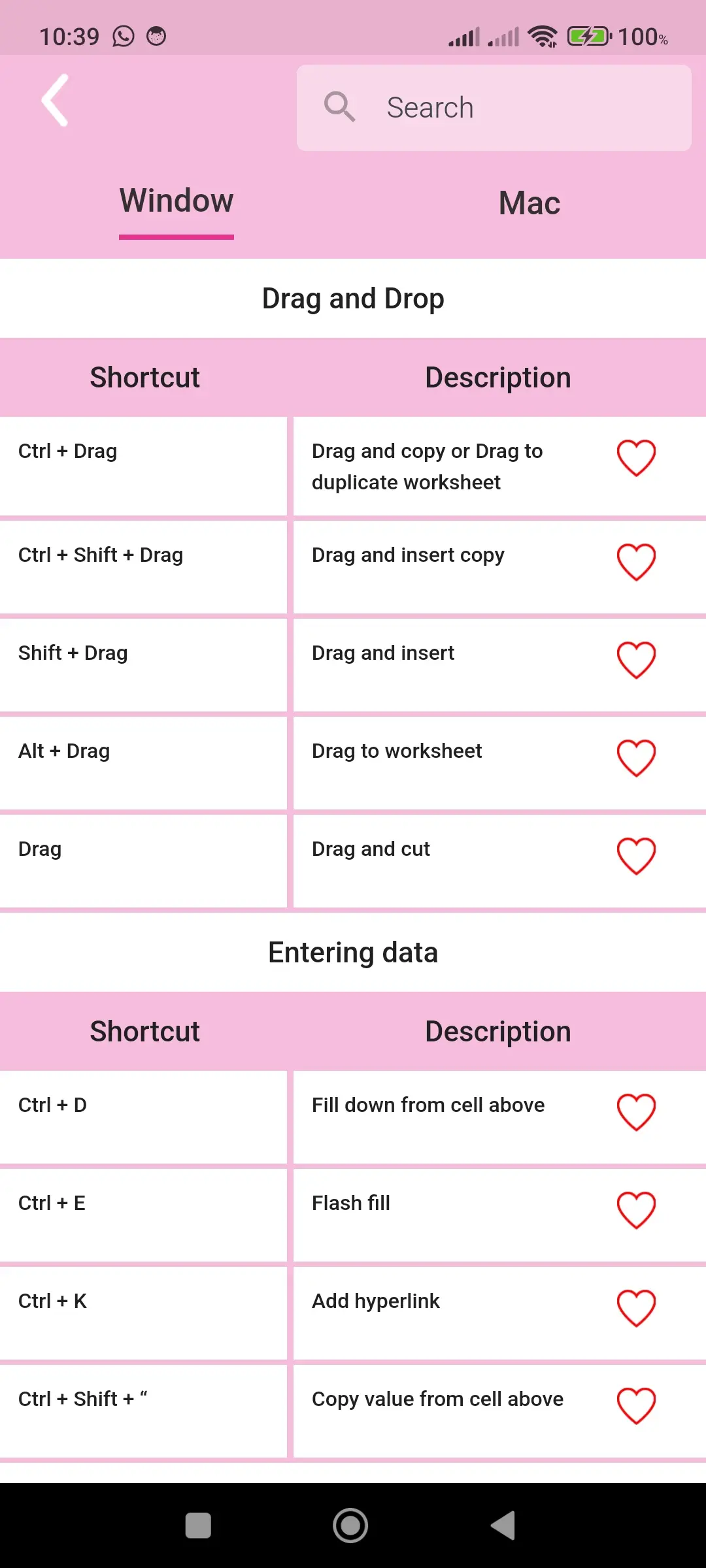
The application includes a complete collection of shortcut keys for both Windows and Mac systems. These shortcuts help users perform tasks faster and reduce reliance on mouse usage. By learning and using shortcut keys, users can significantly improve productivity, save time, and work more efficiently in daily tasks.
🧠 Quiz and Certificate
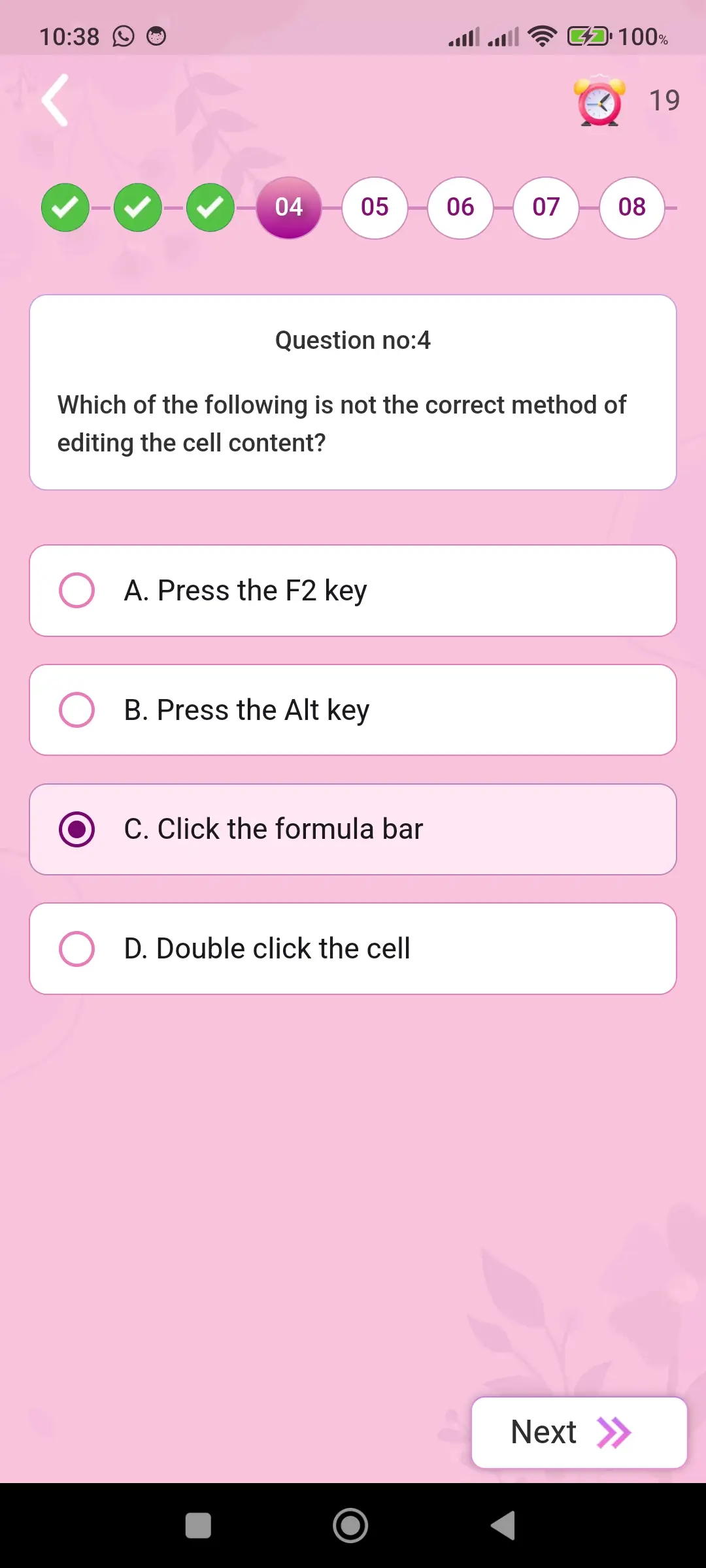
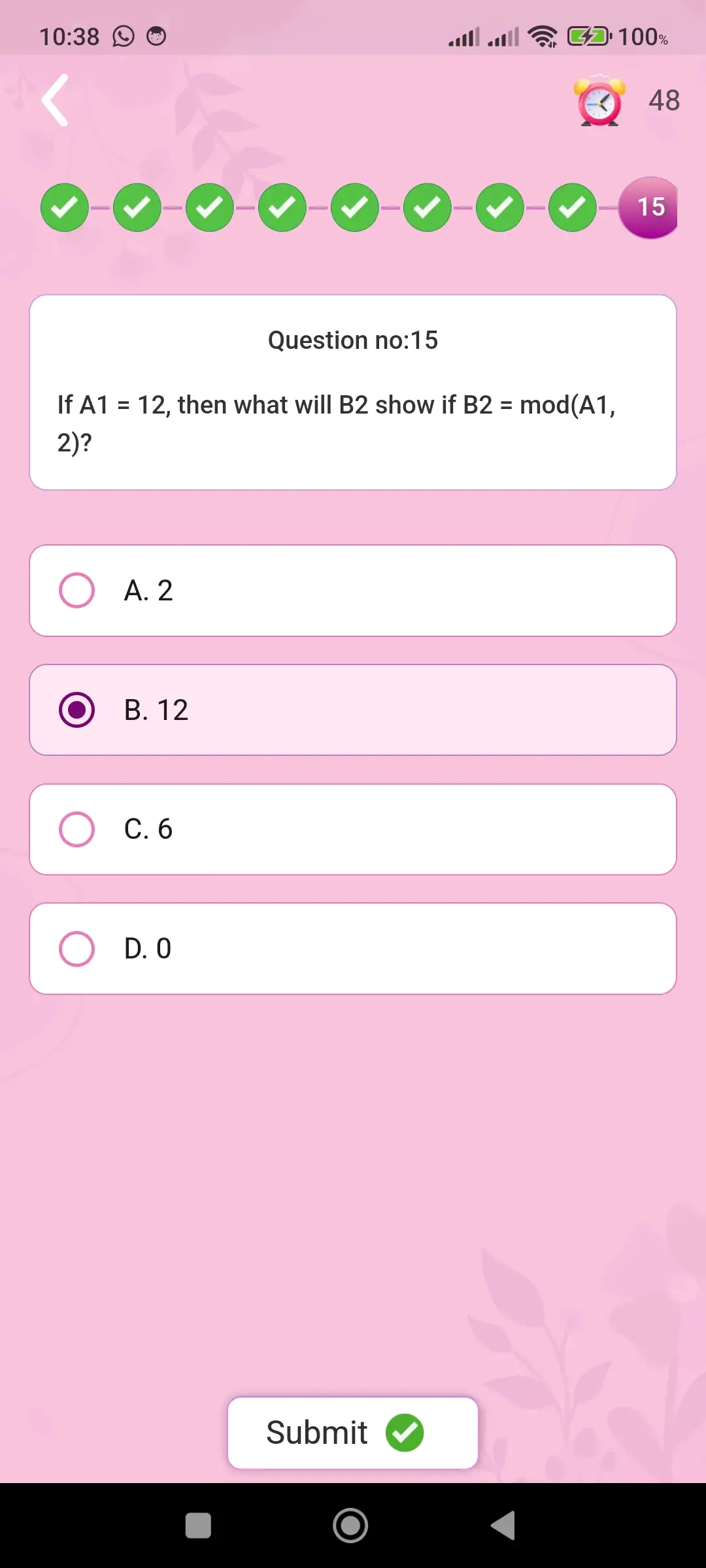
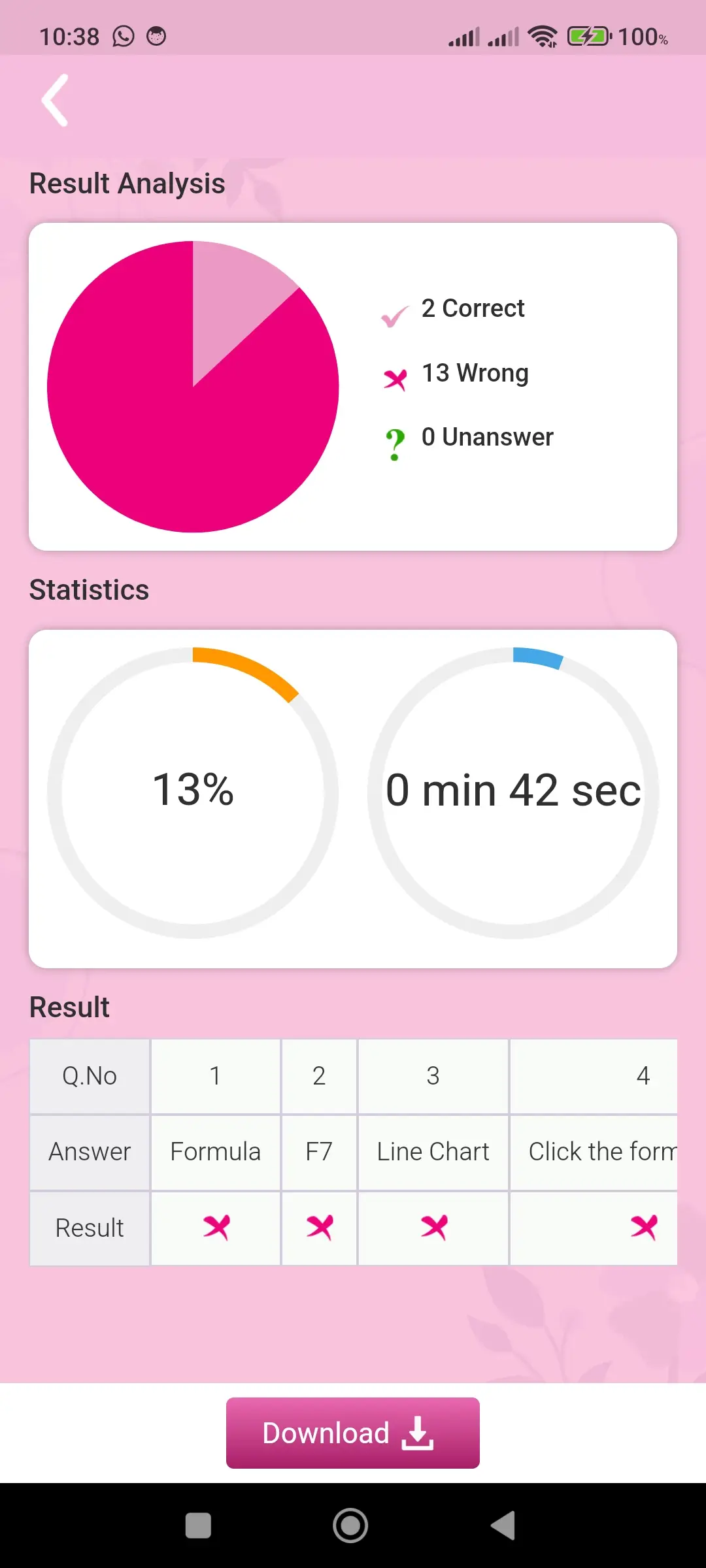
The quiz section provides an interactive way to test knowledge and track progress. It includes multiple levels such as Bronze, Silver, Gold, and Diamond, allowing users to improve step by step. Users must achieve a required score to advance, and after completion, they receive a certificate as recognition. This motivates continuous learning and builds confidence.
💡 Tips
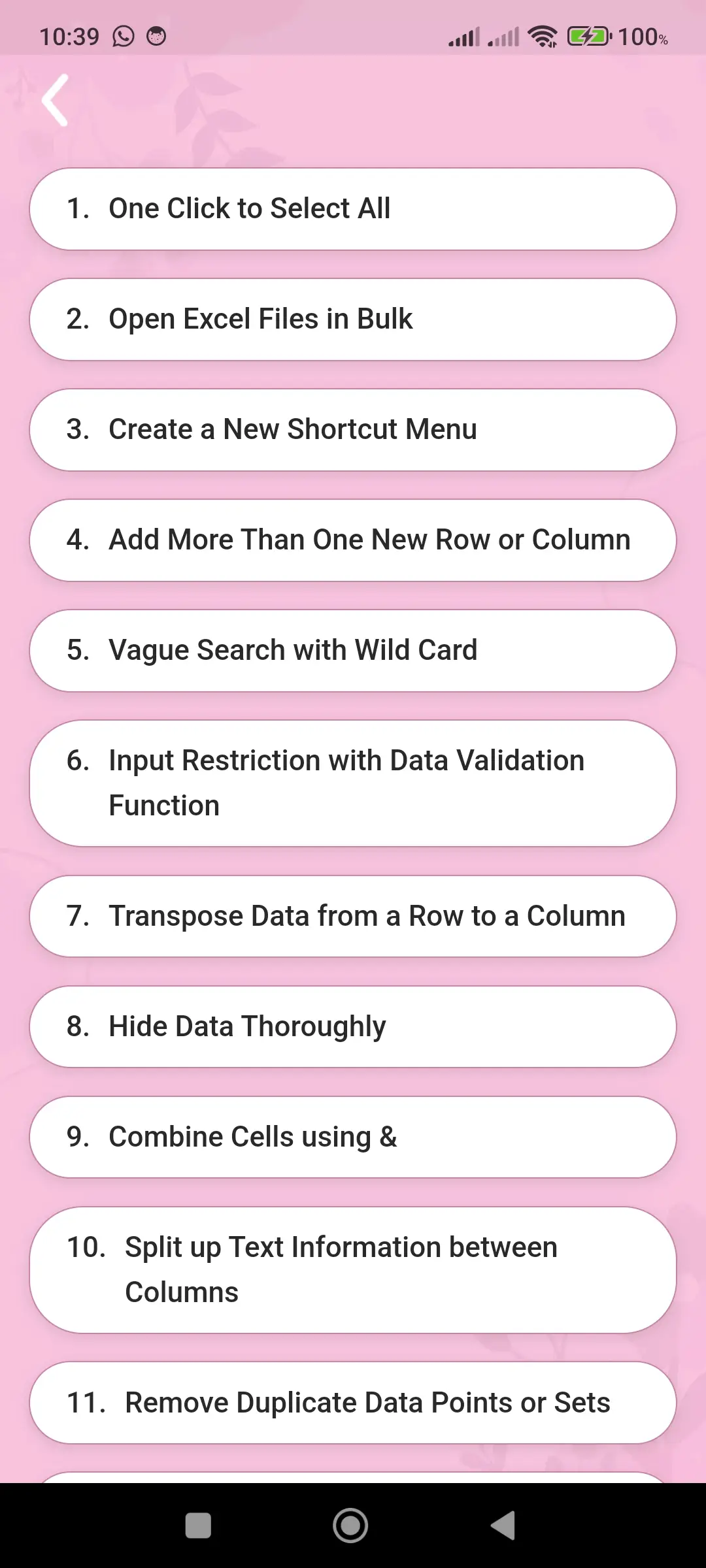
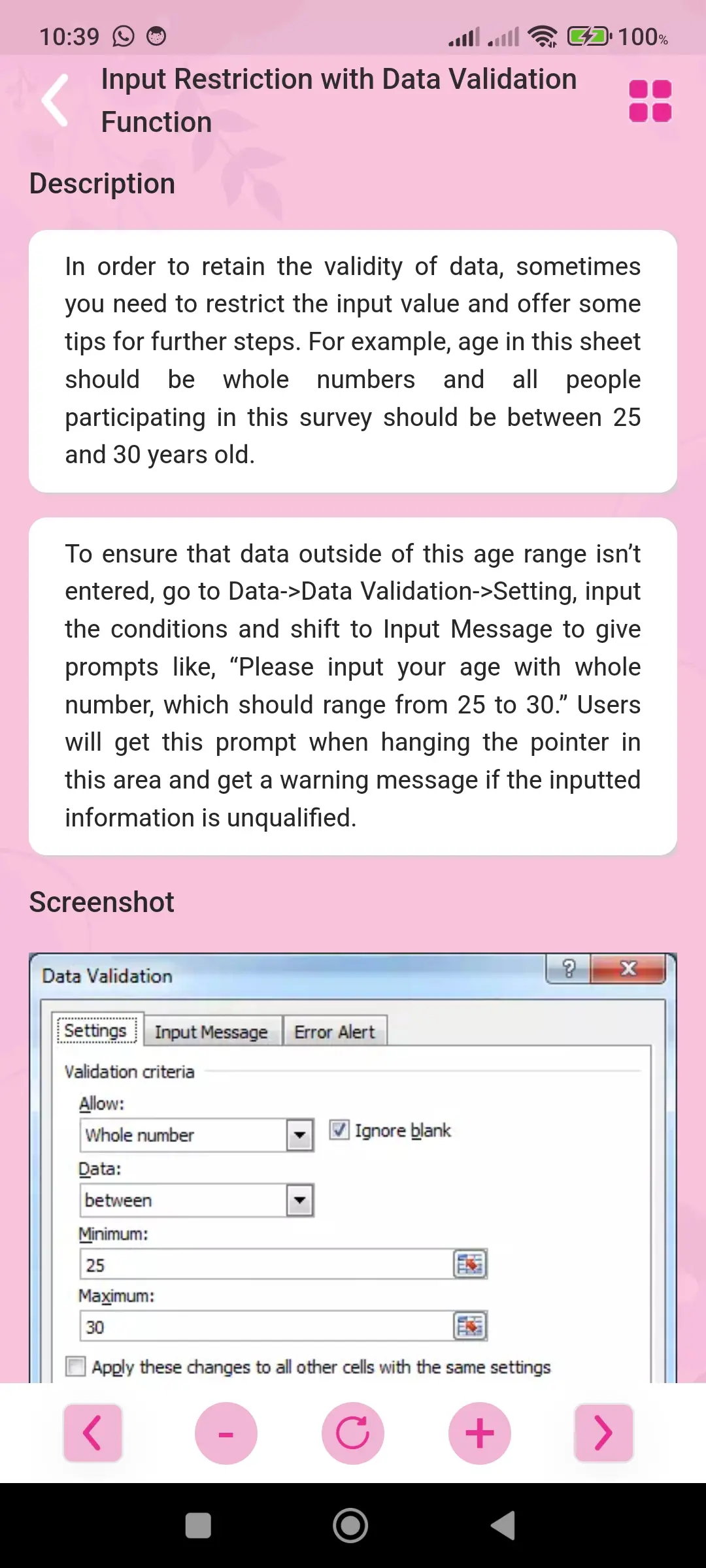
The tips section provides practical and useful suggestions that help users work more efficiently with formulas and spreadsheet tools. These tips simplify daily tasks, improve productivity, and enhance overall user experience.
🎯 Interview Questions and Answers
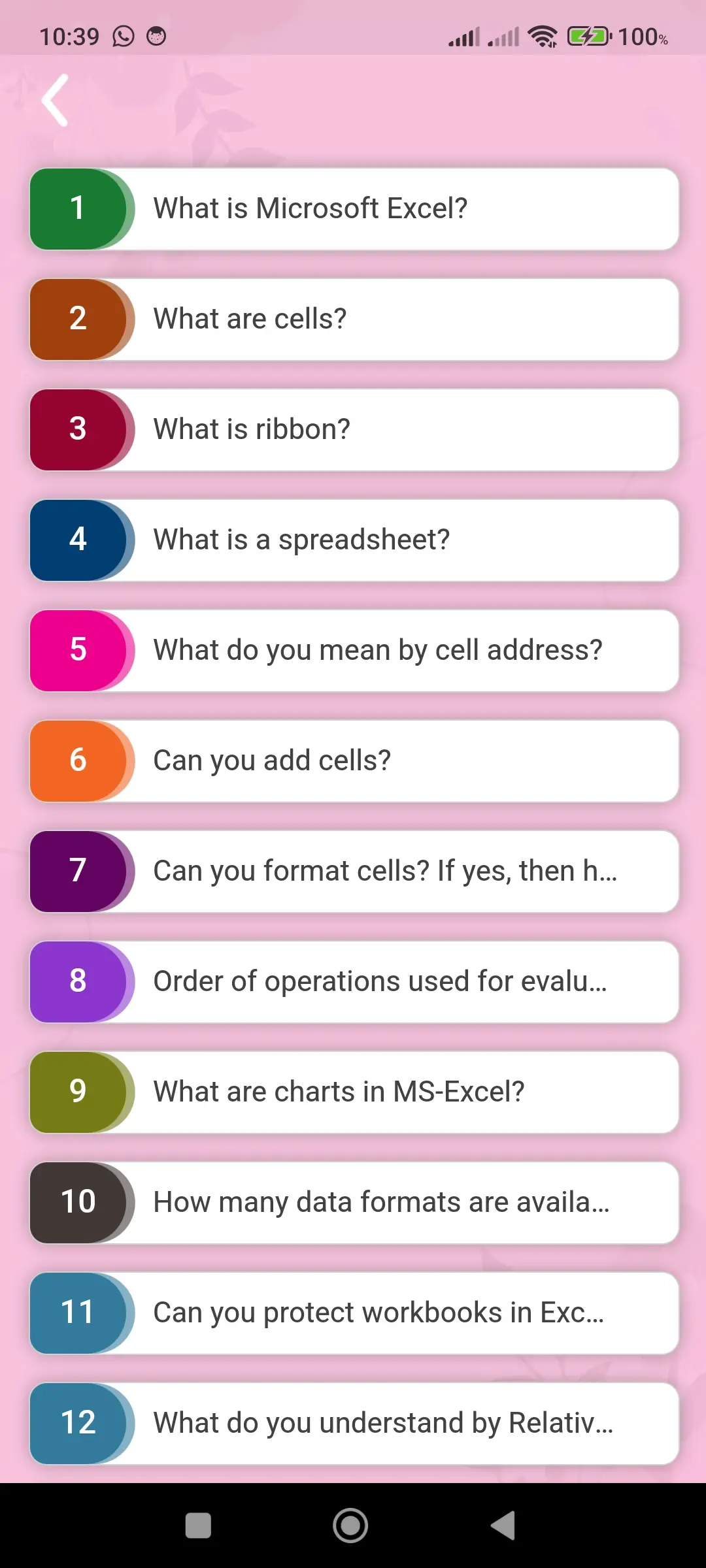
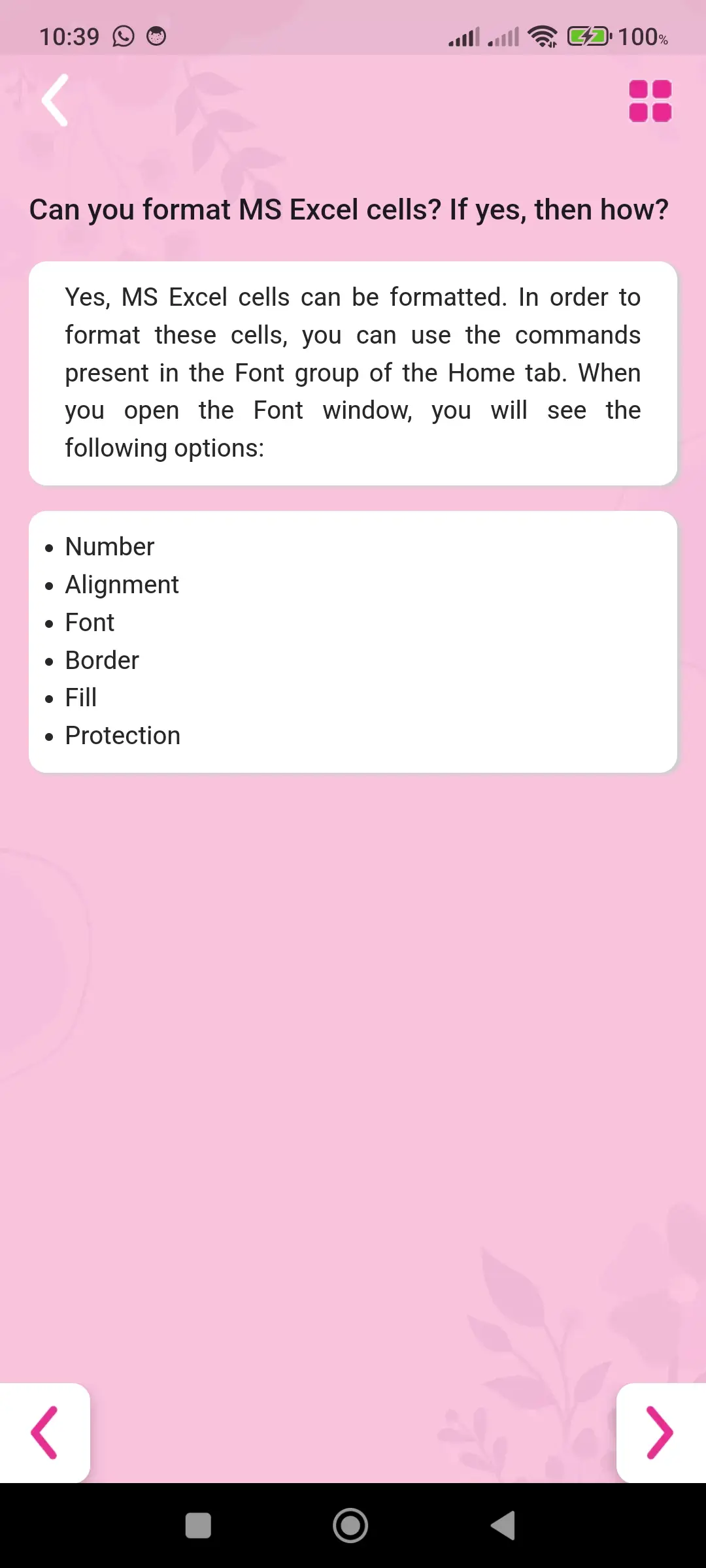
The application includes a collection of commonly asked interview questions along with clear answers. This helps users prepare effectively for job interviews and improve confidence. By practicing these questions, users can understand real interview patterns and strengthen their knowledge.
⭐ Favourite Feature
The favourite feature allows users to save important topics, formulas, or shortcuts for quick access. This eliminates the need to search repeatedly and improves learning efficiency. It helps users focus on frequently used content and enhances productivity.
🔍 Search Feature
The search feature allows users to instantly find any topic or function within the application. This saves time and improves navigation. Users can quickly access the required information without browsing through multiple sections.
🎯 Overall Experience
This application is designed to provide a complete and effective learning experience for formulas, shortcut keys, and data handling concepts. It combines structured lessons, practical usage, quizzes, tips, and interview preparation into a single platform. With its user-friendly design, organized content, and powerful features, the app ensures a smooth, engaging, and productive learning journey. Whether you are a beginner, student, or professional, this application provides everything needed to improve spreadsheet skills with confidence and ease.
Download Excel formulas and tips App
Excel formulas and tips is a popular education app trusted by thousands of users. With its simple interface and fast performance, it makes your tasks easier and more efficient.
Related Apps

Samsung - Spanish Story Pro
Spanish stories with advanced learning

3DThreejs Code Play
Learn 3D web development with Three.js

Tamil bible - story quiz games
Learn Bible verses through fun game
Samsung - Maths Tricks Pro
Advanced math tricks and shortcuts

Samsung - Android Code Play Pro
Advanced Cordova app development learning

Malayalam bible KJV
Malayalam Bible reading app
🔥 Popular Apps

Internet Speed Test
Test internet speed easily

Resume maker - CV builder
Create professional CV easily

Learn Computer Course & image
Learn computer basics easily

HTML Editor
Write and edit HTML code easily

HTML Code Play
Learn web development easily

Marriage biodata profile maker
Create marriage biodata easily