
HTML Code Play Download for Android
Learn web development easily
⭐ 4.5 • 50K+

About this app
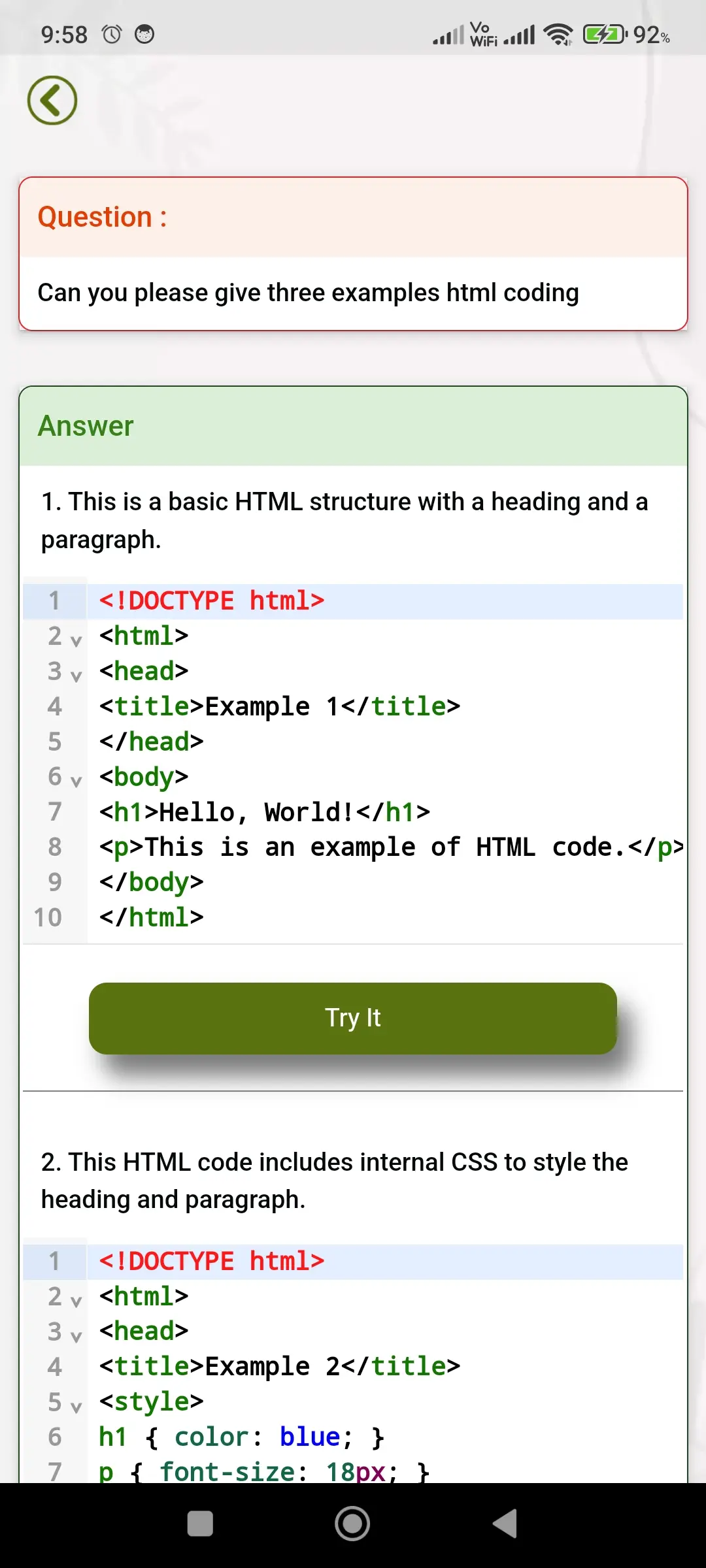
HTML Code Play is a comprehensive offline coding and learning app designed for beginners and aspiring web developers. It helps users learn web development technologies such as HTML, CSS, JavaScript, Bootstrap, AngularJS, and more through tutorials, examples, and built-in code editors. The app allows users to write, edit, and preview code in real time, making it a practical tool for learning and building websites directly on mobile devices.
Screenshots
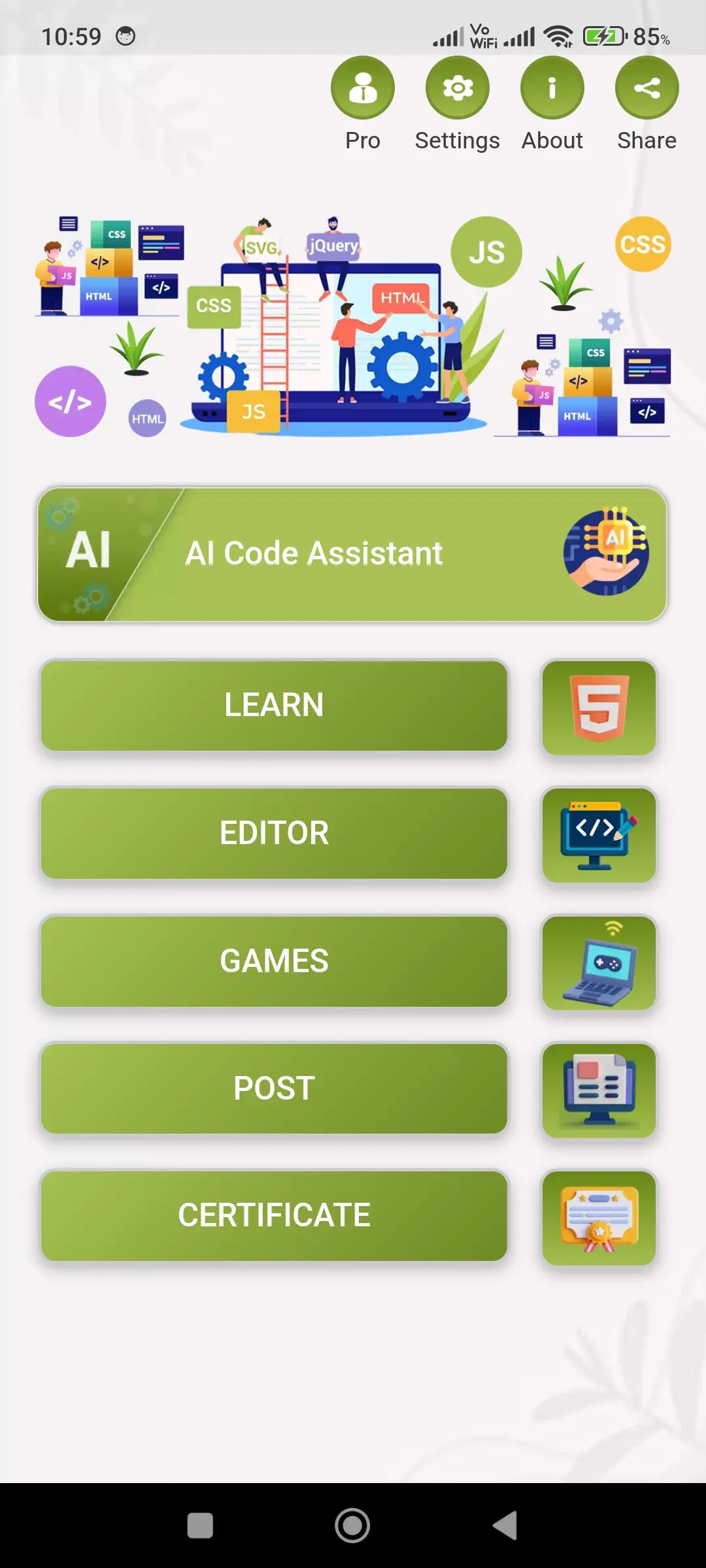
Check out HTML Code Play app screenshots below to explore features and user interface.



More Details
📱 Complete Web Development Learning & Coding Platform
This application is a powerful all-in-one platform designed for learning, practicing, and mastering modern web development in a simple and effective way. It combines structured learning content, real-time coding capabilities, interactive challenges, and community-driven features to create a complete ecosystem for developers. The app is carefully designed to support both beginners who are starting from scratch and experienced developers who want to enhance their skills. With a clean interface, organized tools, and practical approach, it helps users build strong coding knowledge, improve problem-solving abilities, and gain confidence in developing real-world web applications.
💎 Pro Version – Distraction-Free Experience
Upgrade to the Pro version to unlock a completely ad-free environment. This ensures uninterrupted learning and coding, allowing users to fully focus on building their skills without any distractions. The Pro version is especially beneficial for users who spend long hours practicing and want a clean, smooth, and professional workspace. By removing ads, it enhances concentration, improves productivity, and provides a more enjoyable coding experience.
📘 Structured Learning Section
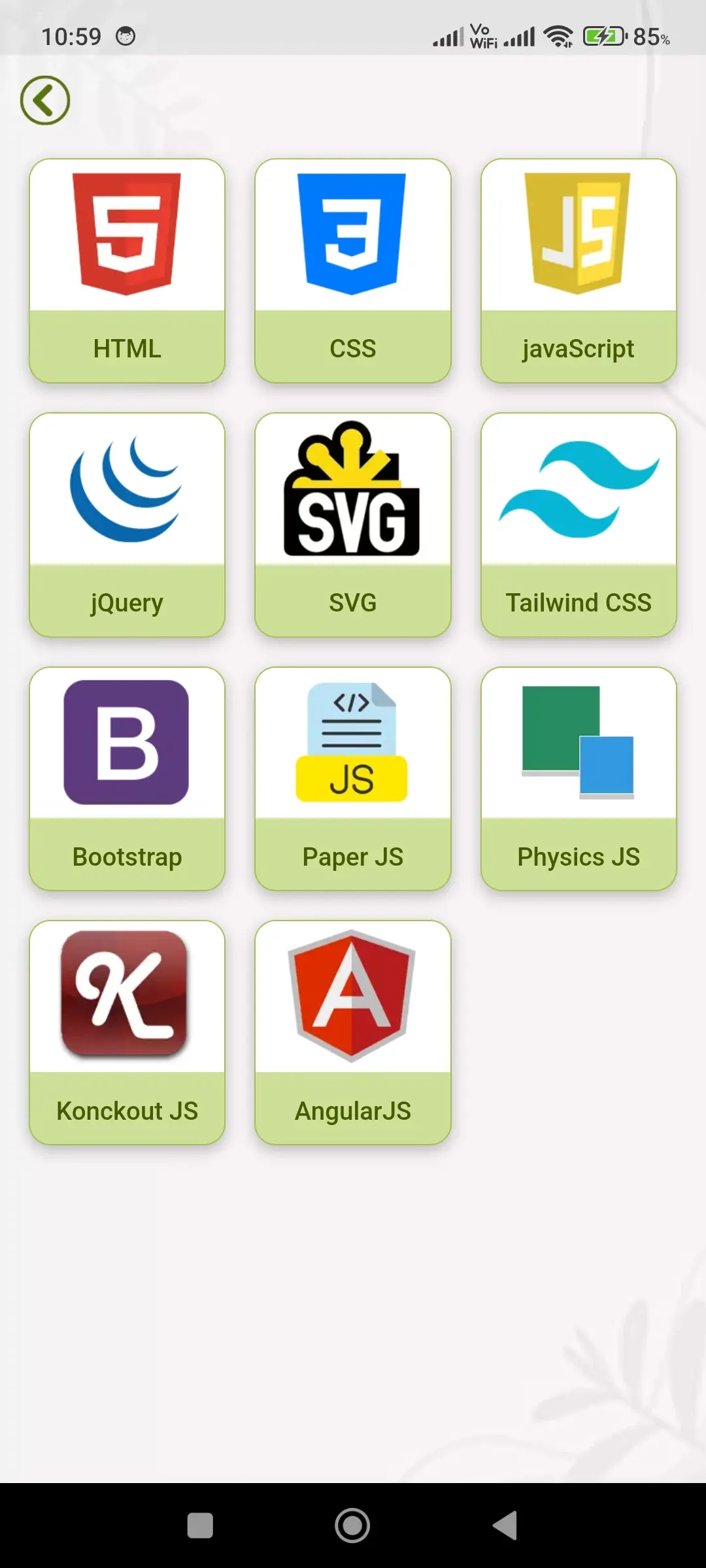
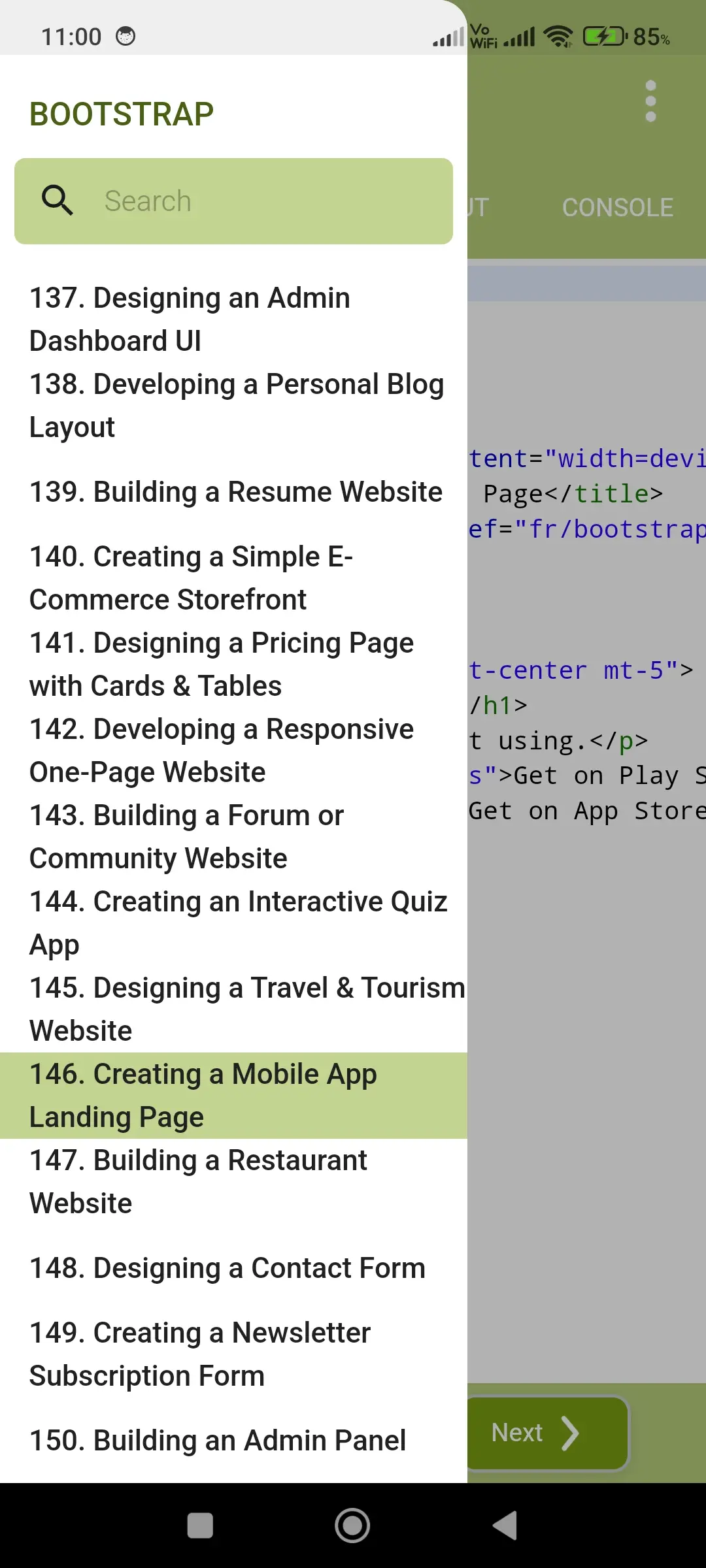
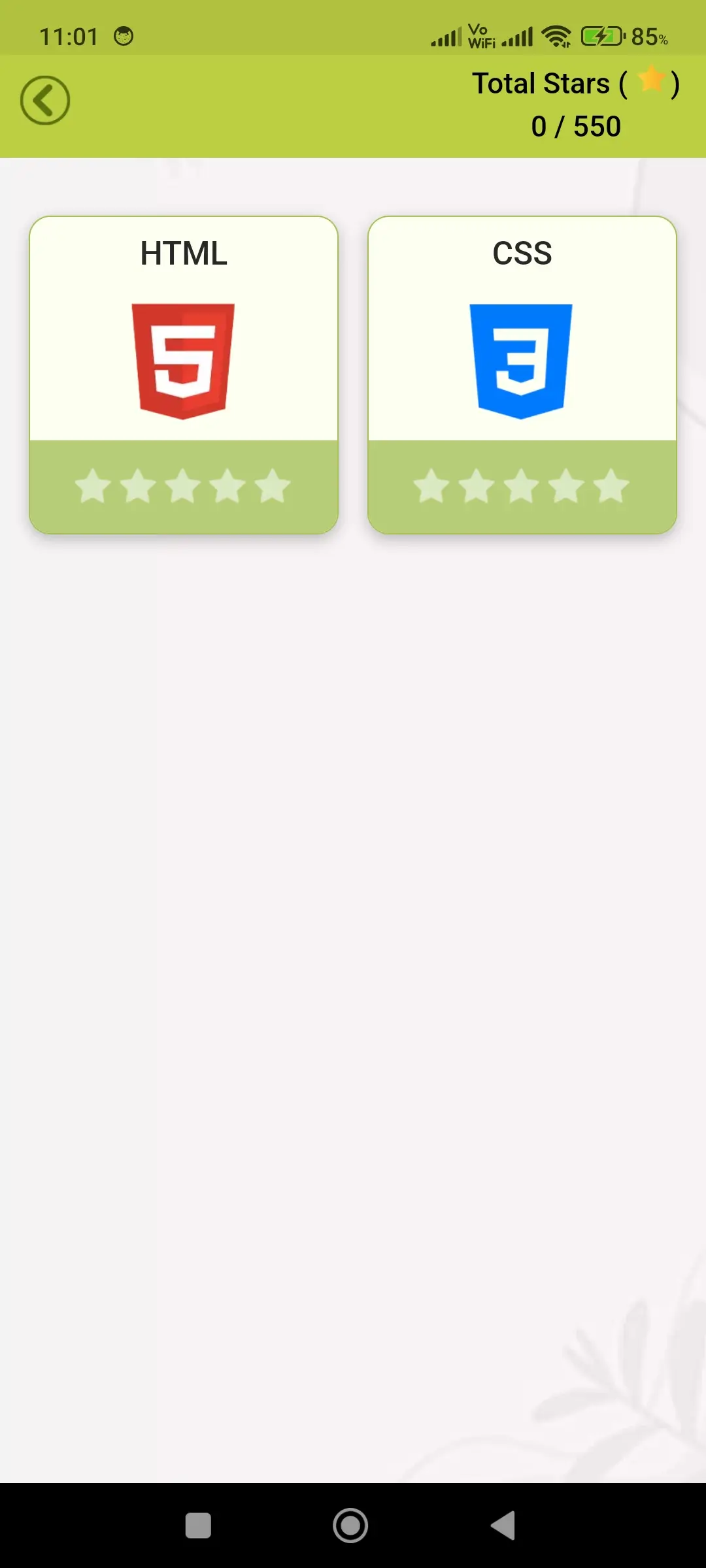
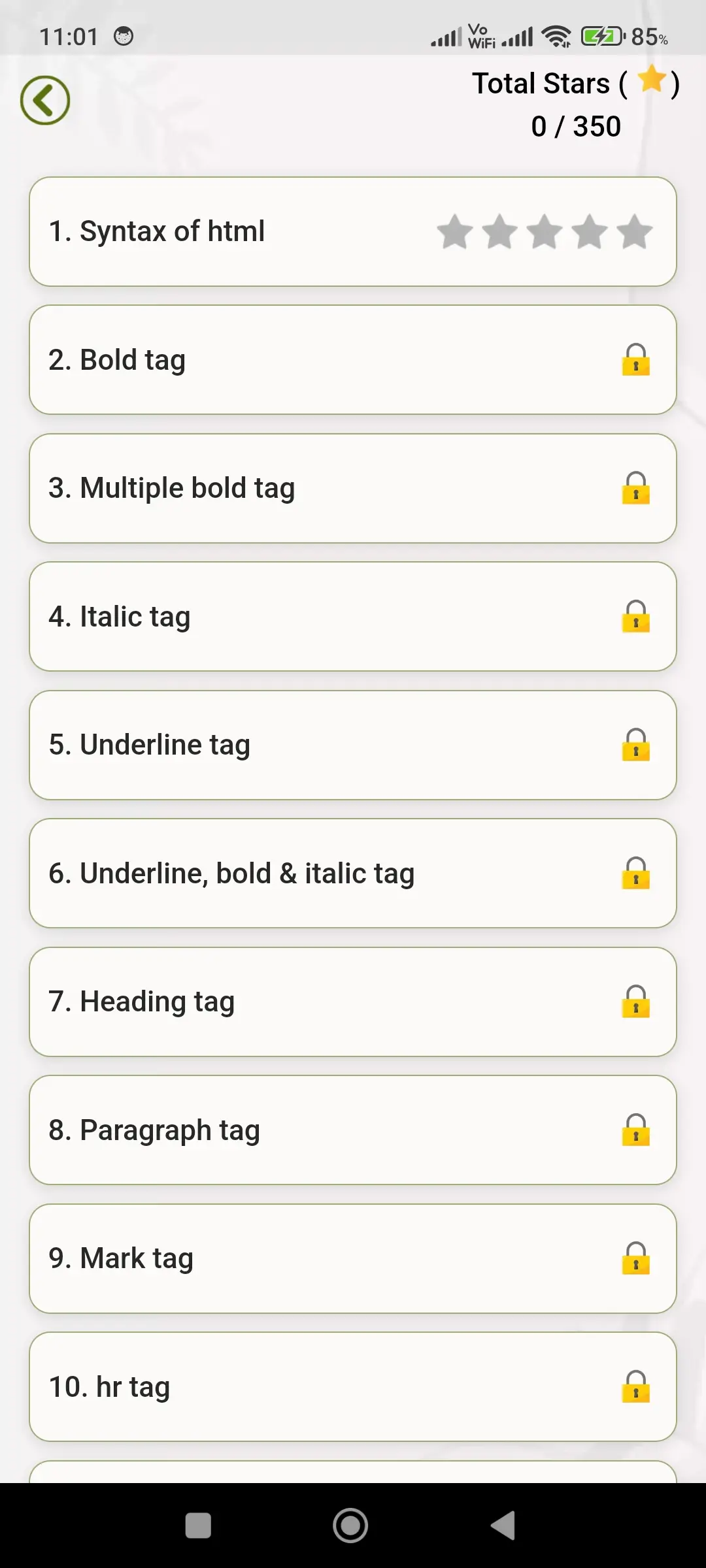
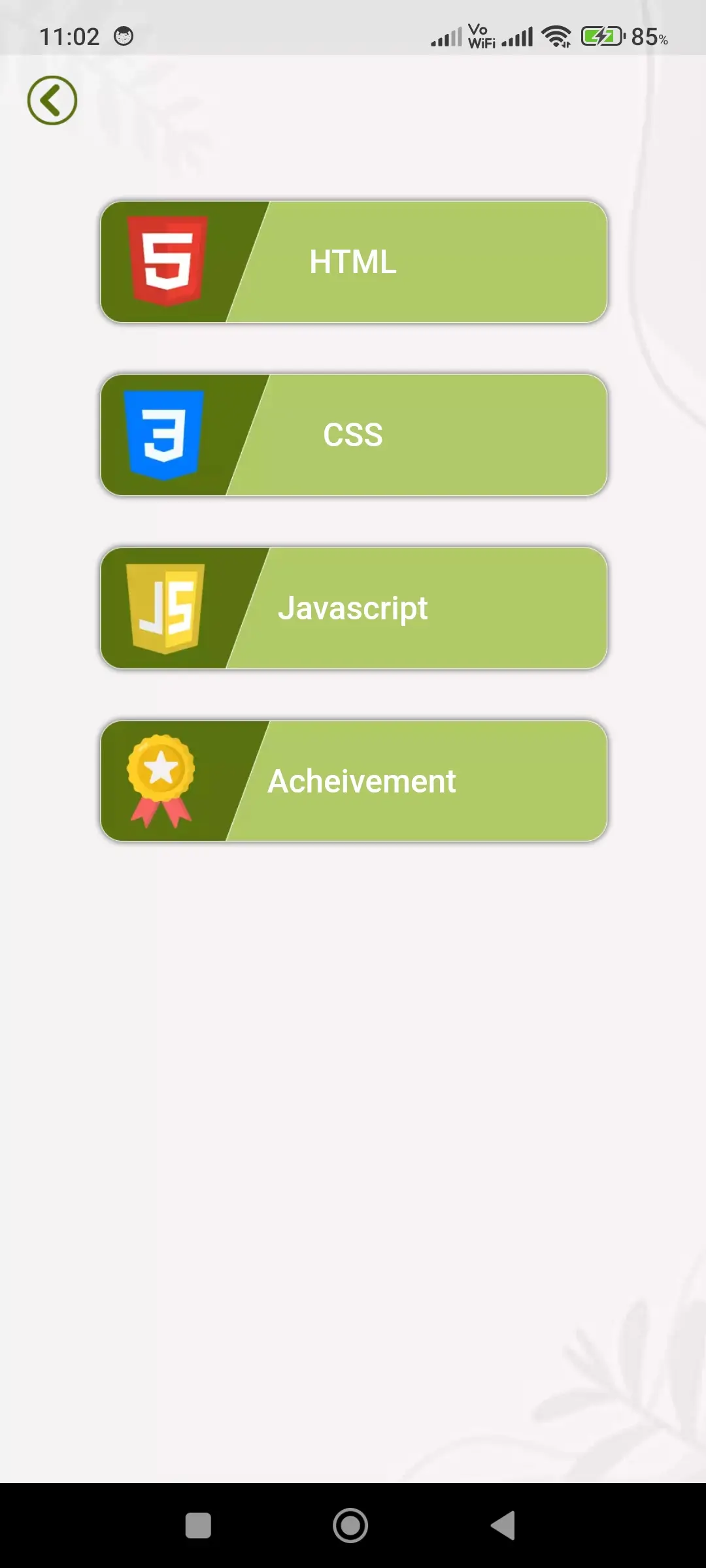
The application provides a well-organized and structured learning module that simplifies complex web development concepts into easy-to-understand lessons. It covers a wide range of modern technologies including HTML, CSS, JavaScript, jQuery, SVG, Tailwind CSS, Bootstrap, Paper JS, Physics JS, Knockout JS, and Angular JS.
Each topic is explained step-by-step with clear descriptions, practical examples, and real use cases. This approach helps users not only understand theoretical concepts but also learn how to apply them effectively in real-world projects. The structured learning path ensures gradual improvement and builds a strong foundation in web development.
🧑💻 Advanced Code Editor
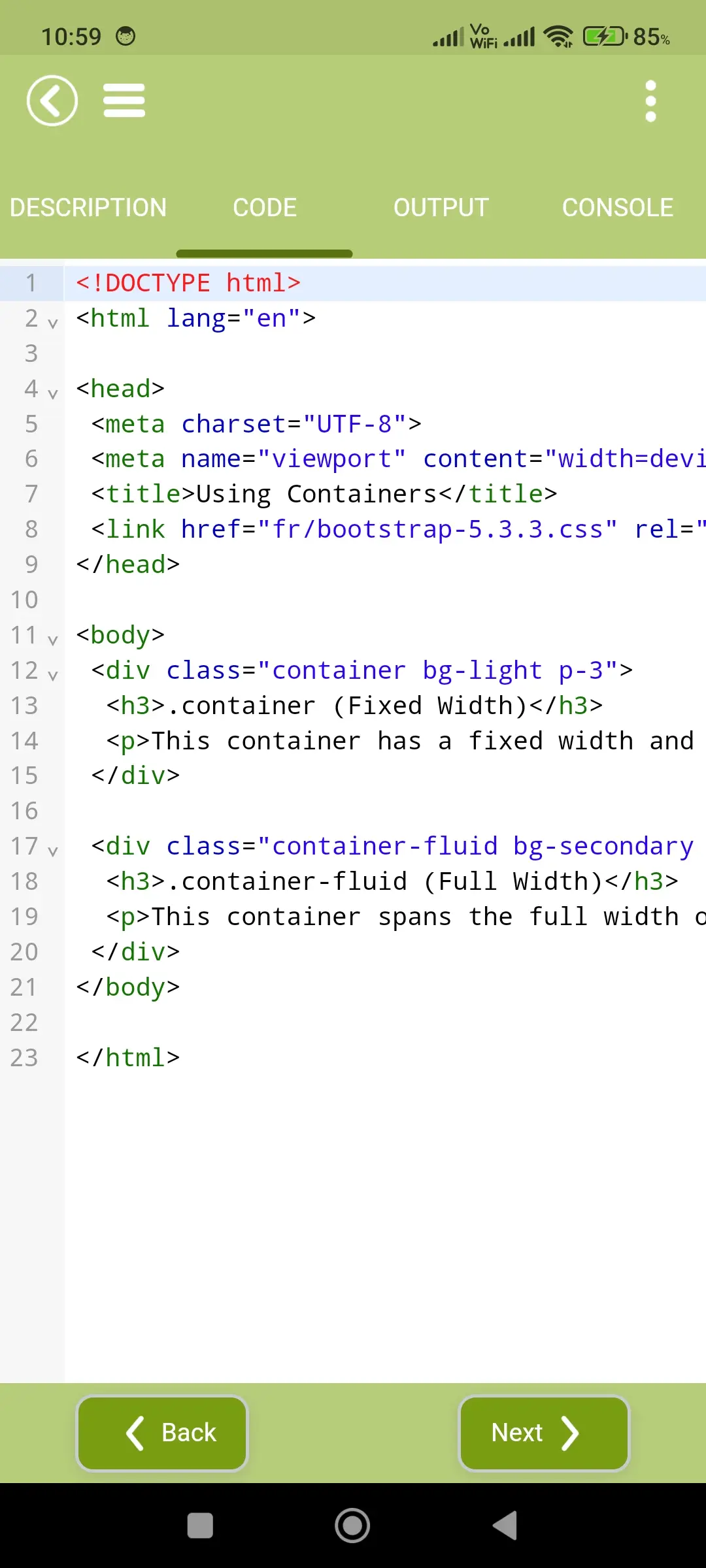
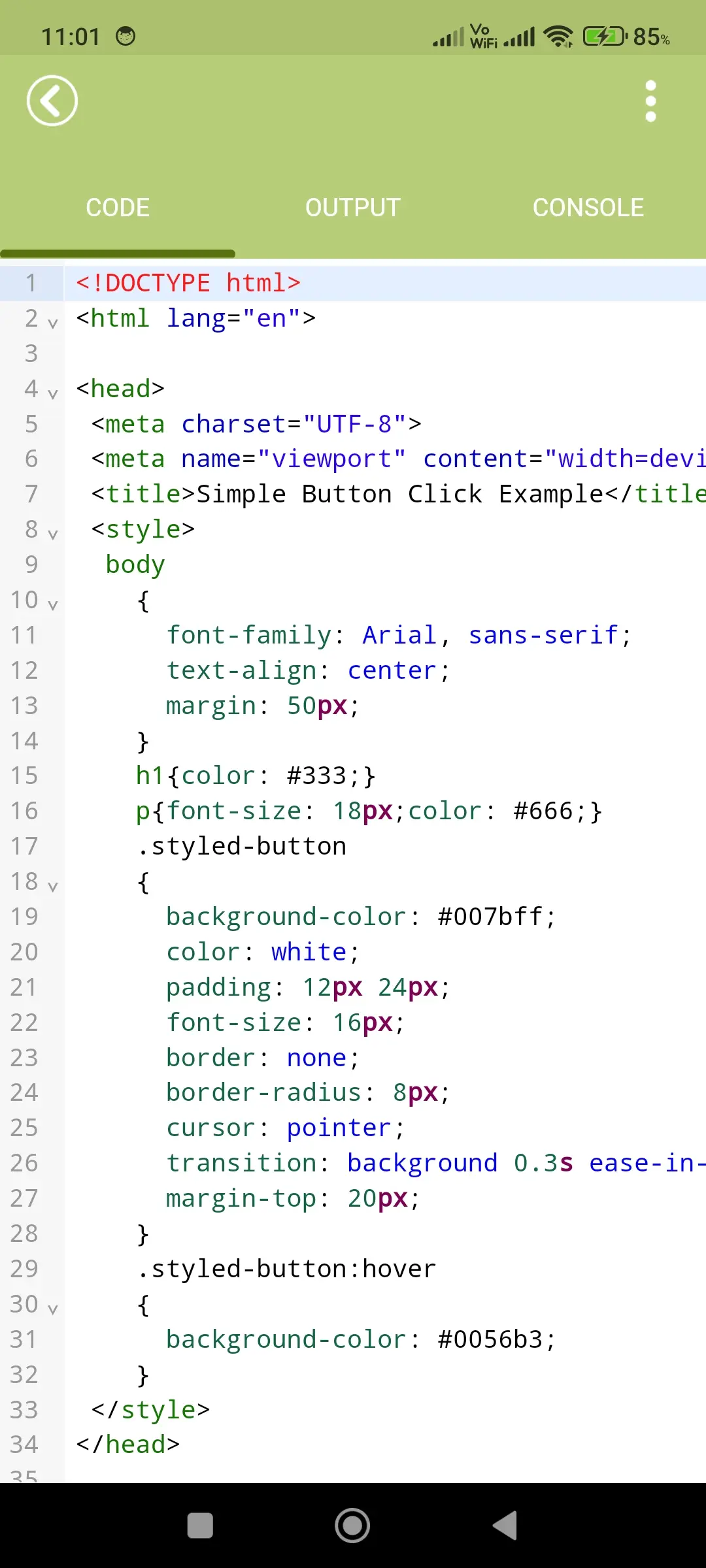
The built-in code editor is designed to provide a smooth, responsive, and efficient development experience. It includes a well-structured layout with separate sections for writing code, viewing output, and analyzing execution results.
This separation allows users to clearly understand how their code behaves and how changes affect the output. The editor is optimized for performance and usability, making it suitable for both beginners learning syntax and developers working on projects.
📄 Code Section – Learn by Doing
The code section includes a wide range of pre-written examples that demonstrate how different concepts work in practice. These examples help users understand coding structure, syntax, and logic in a practical way.
Users can modify the existing code, experiment with different approaches, or write their own programs from scratch. This hands-on learning approach encourages creativity, improves problem-solving skills, and builds real coding confidence.
▶️ Real-Time Output Section
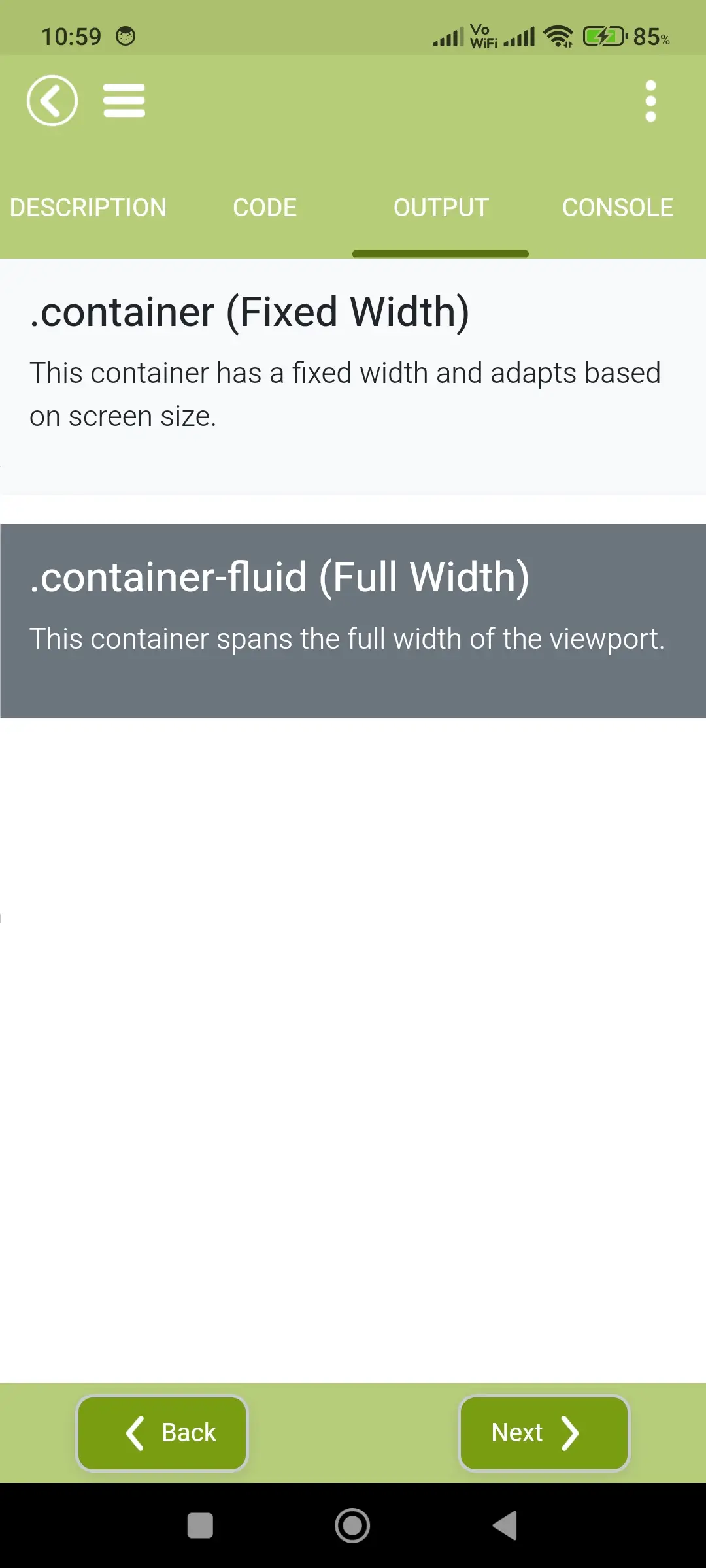
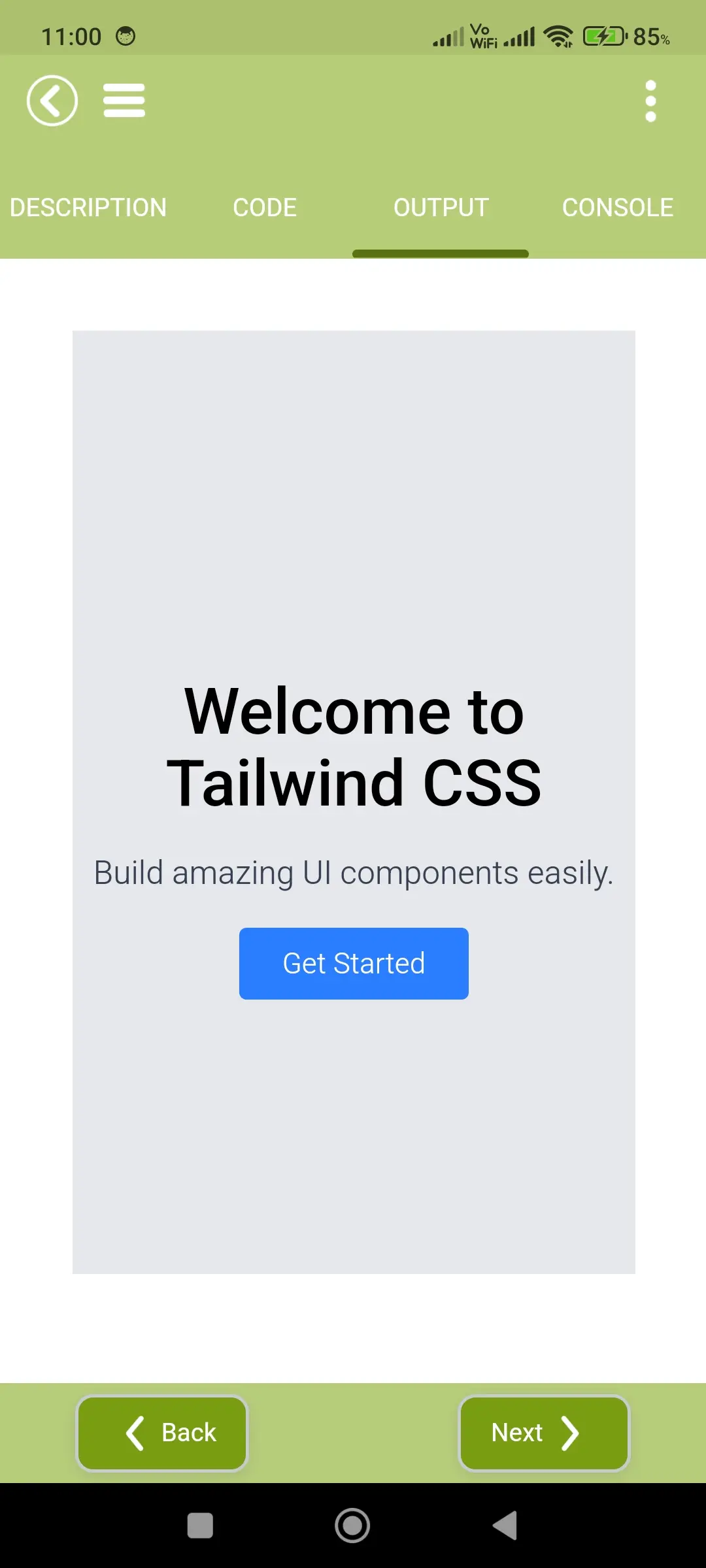
The output section instantly displays the result of the code written by the user. As soon as valid code is executed, the application provides immediate visual feedback.
This real-time execution helps users quickly understand how their code works, identify errors, and make improvements without delay. It makes the learning process more interactive, engaging, and effective.
🖥️ Console Section – Debug Made Easy
The console section helps users track script execution, display logs, and identify errors clearly. It provides detailed insights into how the code runs internally.
This feature is especially useful for debugging, as it allows users to analyze issues, understand error messages, and fix problems efficiently. It plays an important role in improving coding accuracy and debugging skills.
🎮 Interactive Learning Games
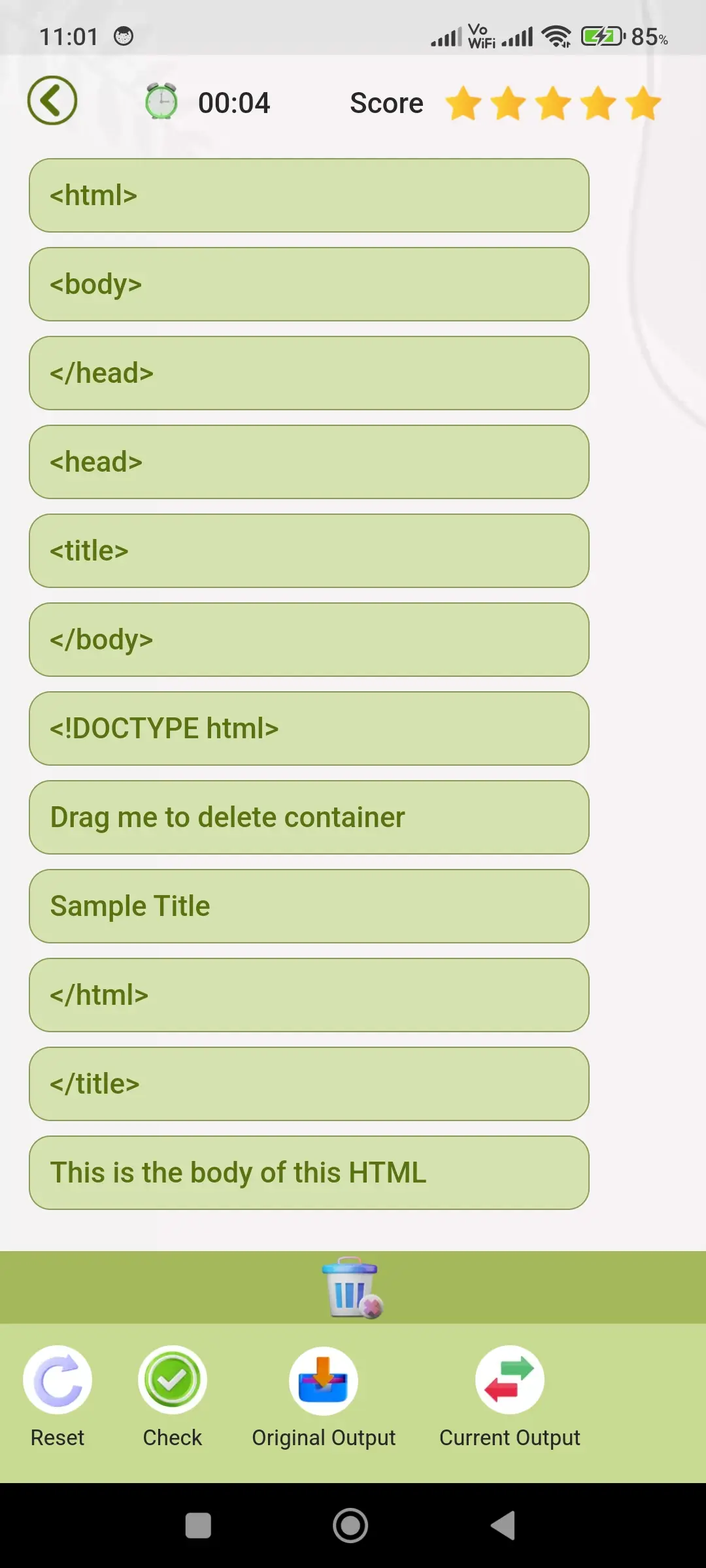
Learning becomes more engaging and enjoyable with built-in interactive games based on HTML and CSS concepts. These games challenge users to arrange code snippets in the correct order to complete tasks.
This gamified approach improves logical thinking, strengthens understanding of code structure, and makes learning fun. It helps users learn faster while staying motivated.
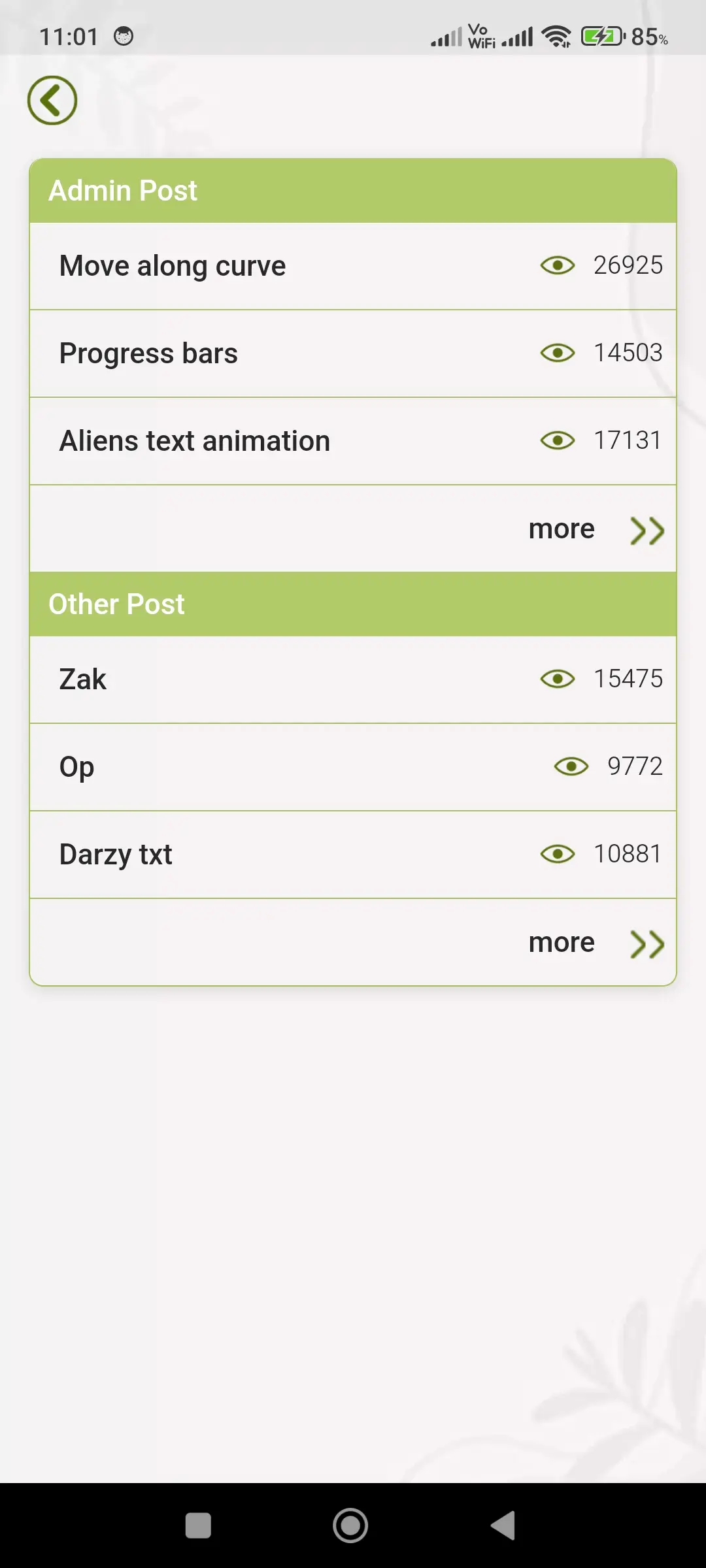
🌐 Community Post Feature
The app includes a community-driven feature where users can explore code shared by other users. This allows learners to study real-world examples, discover new ideas, and learn different coding approaches.
Users can also publish their own code if it is clean, structured, and error-free. This encourages knowledge sharing, builds a collaborative environment, and helps users showcase their skills.
🧠 Quiz & Certification System
The application includes a comprehensive quiz system designed to test user knowledge and track progress. Each quiz includes a scoring mechanism, and users must achieve a required percentage to unlock higher levels.
After successfully completing levels, users can download certificates. These certificates serve as proof of learning and provide motivation to continue improving their skills.
↩️ Undo & Redo Functionality
The editor provides complete control over code editing with undo and redo options.
• Undo allows users to revert the last action
• Redo restores previously undone changes
These features ensure flexibility, prevent accidental data loss, and allow users to experiment with confidence.
📁 File Management System
The application includes powerful file management features that help users organize their work efficiently.
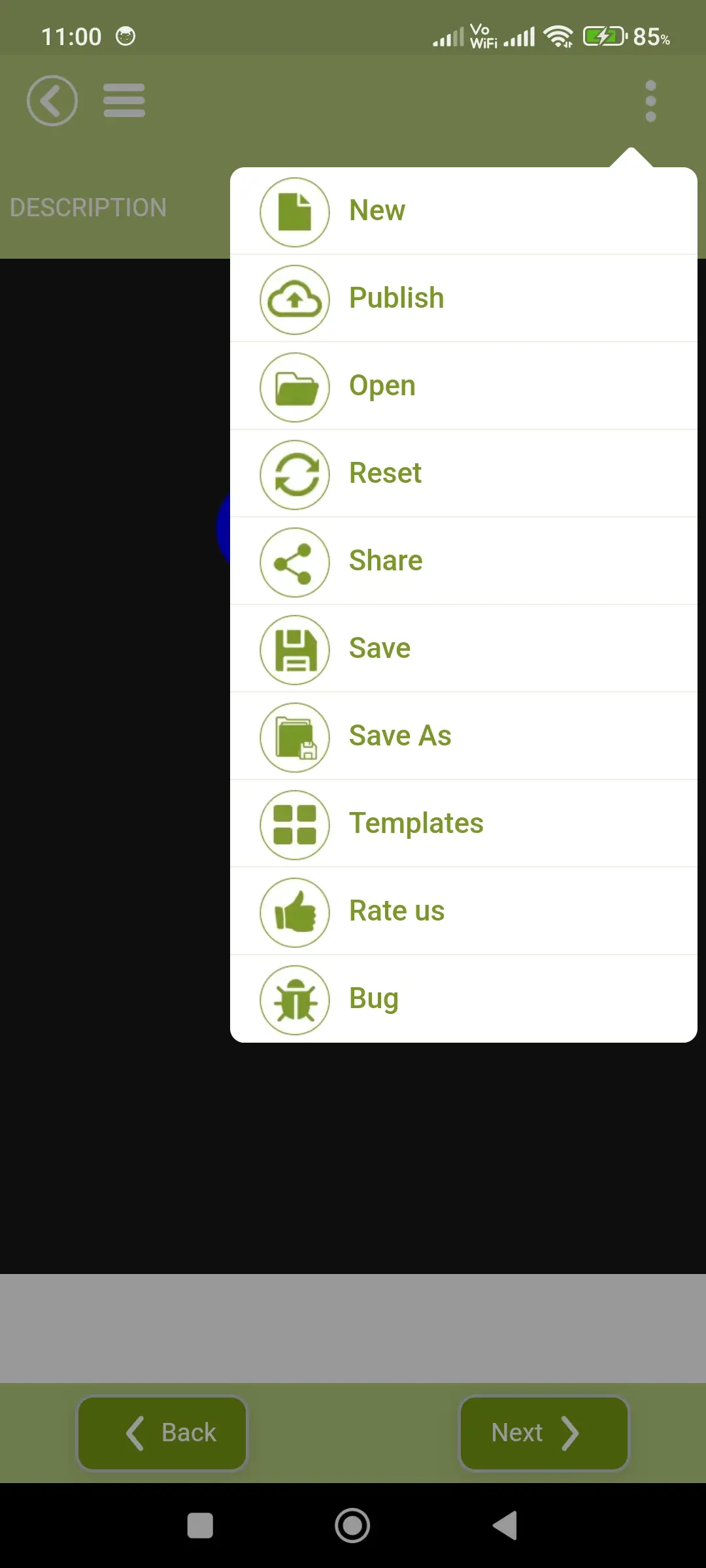
• Create new files anytime for fresh projects
• Save current work securely
• Use “Save As” to create multiple versions
• Open and edit existing files from the device
This makes the app suitable for both learning and real project development.
🚀 Publish Your Work
Users can publish their code directly from the editor within the platform. This makes it easy to share knowledge, demonstrate projects, and build a coding portfolio.
This feature helps users gain visibility and showcase their skills to others in the community.
🔄 Reset Option
The reset feature allows users to quickly clear all code or restore it to its original state.
This is especially useful when testing multiple approaches or starting fresh without manually deleting everything.
📤 Easy Sharing
Users can share their code files through supported applications such as messaging apps or email.
This feature supports collaboration, learning, and easy project sharing with others.
🔍 Smart Search & Navigation
The editor includes powerful navigation tools to improve efficiency while coding.
• Find feature to search for specific words or code
• “Go to Line” option to jump directly to a line number
These tools help users manage large code files quickly and effectively.
🎨 Customization Options
The application allows users to personalize their coding environment for better comfort.
• Change editor themes or templates
• Adjust font size for improved readability
These options help reduce eye strain and create a comfortable workspace during long coding sessions.
🐞 Bug Reporting & Feedback
Users can easily report bugs or send feedback directly through the app.
This helps continuously improve the platform, fix issues quickly, and deliver a better experience for all users.
🌙 Theme Support
The app provides both Dark Mode and Light Mode options to ensure a comfortable and flexible user experience in different environments. Light Mode offers a bright and clean interface that is ideal for daytime usage, making content easy to read and visually clear. Dark Mode uses softer tones and reduced brightness to minimize eye strain during night-time or long coding sessions. This thoughtful theme support allows users to work comfortably for extended periods without discomfort. Users can switch between themes anytime based on their preference, ensuring a personalized and smooth experience.
🎯 Complete Learning Experience
This application is more than just a code editor—it is a complete ecosystem for learning and practicing web development.
It combines structured learning, hands-on coding, real-time execution, interactive challenges, and community collaboration in one place.
Whether you are a beginner starting your journey or a developer looking to enhance your skills, this app provides a simple, powerful, and engaging way to learn, practice, and grow in modern web development.
Download HTML Code Play App
HTML Code Play is a popular education app trusted by thousands of users. With its simple interface and fast performance, it makes your tasks easier and more efficient.
Related Apps

Roman numerals
Convert numbers to Roman numerals

Samsung - Android Code Play Pro
Advanced Cordova app development learning

Learn Computer Course & image
Learn computer basics easily

3DThreejs Code Play
Learn 3D web development with Three.js

Match shadow for kids puzzle
Shadow matching puzzle for kids

English story
English stories with audio narration
🔥 Popular Apps

Internet Speed Test
Test internet speed easily

Resume maker - CV builder
Create professional CV easily

HTML Editor
Write and edit HTML code easily

Marriage biodata profile maker
Create marriage biodata easily

Computer shortcut keys learn
Master computer shortcut keys

Learn React Native Tutorial
Learn React Native step by step






